Schools - Hospitals - Large Corporate
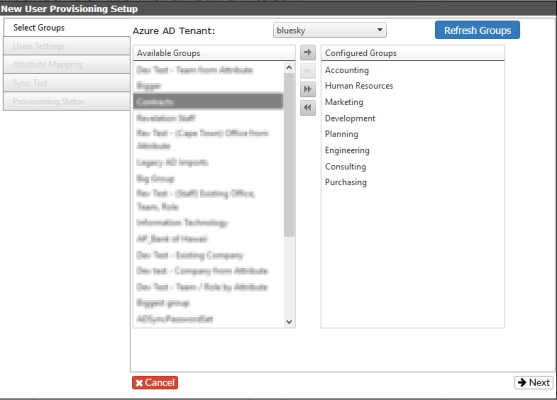
Select Groups
You should have a Group in your AD for each department in your organization and users in each department will be a member of the group.
- Create a new Rule and add each department Group in the “Select Groups” Step.
- If you don’t have a group for each department, you should create a new group in your AD for all the users you want to Sync to Revelation. However it is better to have multiple smaller groups than one big group with all users in your organization.