
If active in Admin, this allows the user to add a profile image. This image will be visible in the Action Notes and on the Message Feed.
If this is active, and the user has not uploaded an image, the following alert will appear:
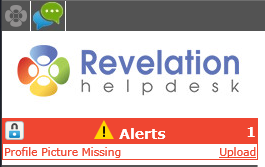
To Add your Profile Image
NOTE: You will not be able to add the image until the user information is completed.
To add an image:
- Drag and drop your image as indicated, or click on the paper clip icon to select from a file
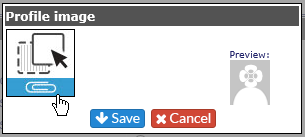
- Size the image by holding down your left mouse key
- Click on Save
.