
Display Recent Time Logged on the home page
Display Custom Text in the Title Bar
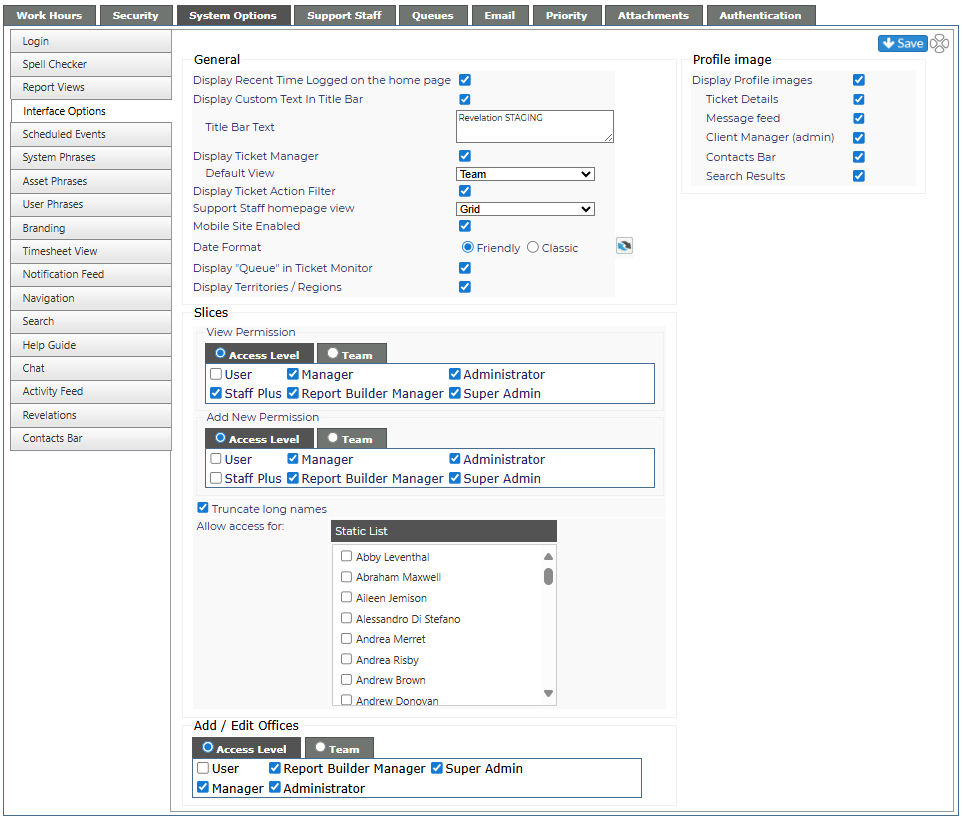
The following settings, when toggled, will take effect immediately:
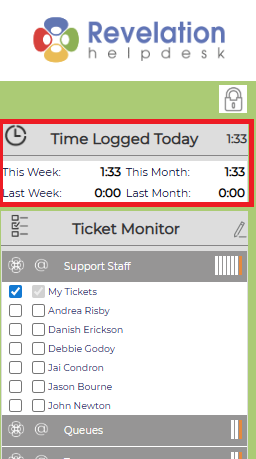
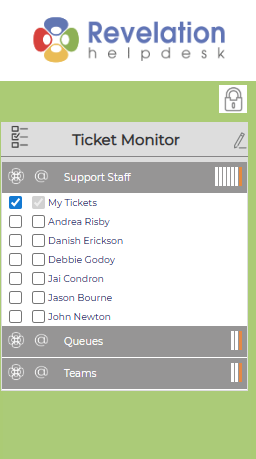
Display Recent Time Logged on the home page
When enabled, shows a history of time logged for Today, This Week, Last Week, This Month, Last Month on the home page. When disabled, this is not visible on the home page and if the Timesheet view is active, it will be deactivated.
|
Enabled |
Disabled |
|
|
|
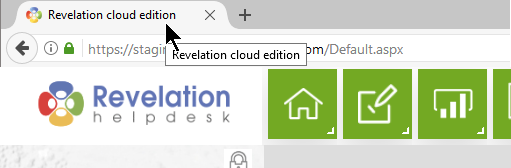
Display Custom Text in the Title Bar
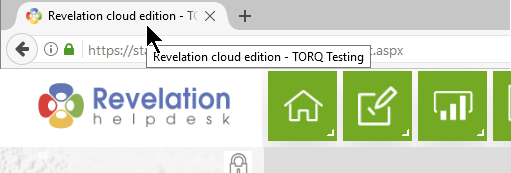
If the box is checked, you can add the Title Bar Text in the box. The host name for your Revelation system will be displayed in the tab in internet browser.
|
Enabled |
|
|
| Disabled |
 |
Display Ticket Manager
Enables/disables the Ticket Manager tab in the main navigation
- Drop down chooses the default view on the tab of Project Type or Team
This feature is not available for Core users.
Display Ticket Action Filter
Enables/disables the ability to filter action notes within a ticket
|
Enabled |
|
|
|
|
|
Disabled |
|
|


This feature is not available for Core users.
Support Staff homepage view
From the dropdown, you can set up the default view for the homepage view - either the grid, timesheet, map or dashboard.

Mobile Site Enabled
If you do not want your support staff to use the mobile web interface, uncheck this box. This will deactivate the mobile version of Revelation helpdesk and the full version will be visible in a browser on a mobile device.
Date Format
Select Friendly (Last Week, Today, Tomorrow, Last Monty) or Classic (mm/dd/yyy)
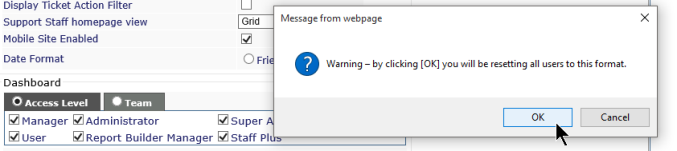
If you hit the refresh button, it will reset for everyone.
Display Territories / Regions
Allows for the Territories / Regions view to be used by staff. Viewing can be set by Access Level or Team.
Slices
Allows for the Slices view to be used by staff. Viewing can be set by Access Level or Team.
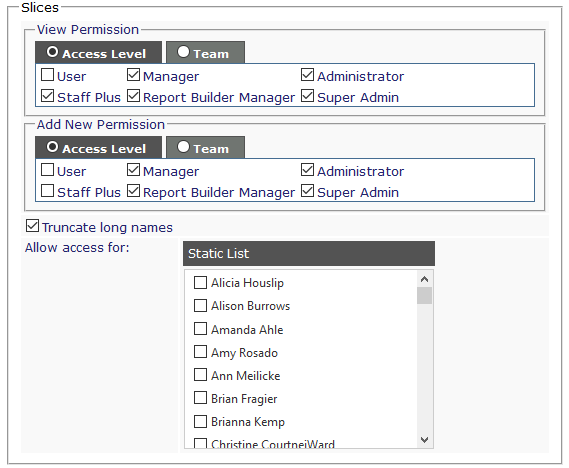
View Permission
Choose by Access Level or Team who can see Slices on their Nav bar.
Add New Permission
Choose by Access Level or Team who can Add New Slices to their view.
Truncate Long Names
Allows longer names to be shortened on a Slice to keep the text from getting too small to read.
Allow access for:
If there is a staff member who does not have access based on the View Permissions, but you want them to see slices, select them from the drop down.
- For example: Setting is User level currently cannot see Slices. However, if you select a name from the drop down, and they are a User level in Revelation, they will see Slices despite their level being blocked from seeing it.
Add/Edit Locations
Allows for the ability to add or edit client locations to be set by Access Level or Team.

Per the example shown above, only Super Admins can add or edit a location in Revelation.
Profile Image
Display Profile images
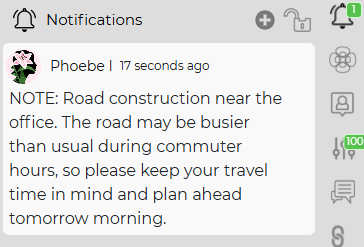
Allows for images of your staff to be visible in the Action Notes of tickets or on the Notification Feed (if enabled). If unchecked, the two sub-notes will not be visible.
Action Notes
When checked, the user's profile image will be visible in the Action Notes of tickets. The picture will correspond to the person assigned to that action.
Notification Feed
When checked, the user's profile image will be visible as part of the Notification Feed. The picture will correspond to the person who added the message to the feed.
This feature is not available for Core users.