|
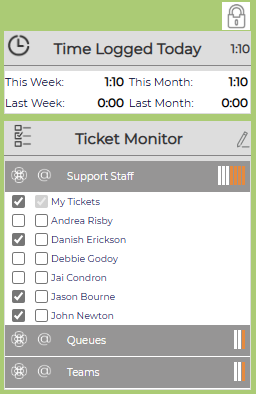
Open Left Column
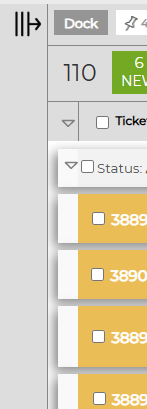
Collapsed Left Column
|
On the top left, the lock icon will lock or unlock the left column area. If it is unlocked, the column will collapse. Hover your mouse over the bar, and the nave will expand. Remove your mouse, it will collapse again. NOTE: If both the left column and either option for the right column are unlocked, the entire home page will show just tickets. Time Logged TodayLists your time for Today, This Week, Last Week, This Month and Last Month. Each will link to a report of your time for that period sorted by Client, Project and Ticket. Ticket MonitorAllows you to overlay group or individual user tickets on your home page, so no ticket goes unresolved in someone's absence. Initial configuration is done on your User Information page. After the set up, click on the pencil icon to select more groups or users to monitor. For more information on the Ticket Monitor, click here. |