
When a new project is created in Revelation, the person or groups indicated here would be the default user(s) for ticket routing. If you have a Helpdesk Administrator(s), they should be listed. The administrator(s) can then assign the ticket to the appropriate Internal User.

Add to Default Ticket Routing
-
Click on New in the upper left area of the page, and select the appropriate individual or Team from the pull down. To add another user, repeat the same process. Be sure to click on the Save icon for each selection.
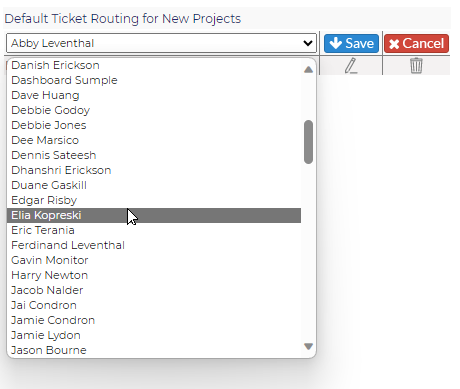
Edit Default Ticket Routing
-
Click on the pencil icon
-
Select a different person or group
-
Click on the Save icon to retain changes, or click on the Cancel icon if you don't want to keep the change
Delete Default Ticket Routing
-
Click on the garbage can icon to the right of the person or group you wish to delete
-
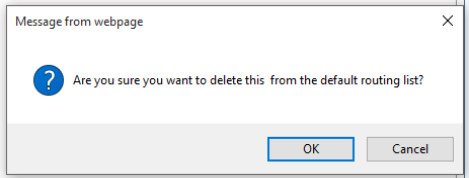
You'll see the following warning:
-
Click OK to delete or Cancel to keep the person or group as part of the routing