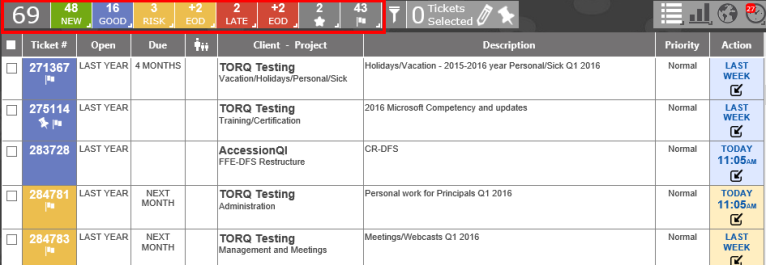
The Summary Bar will show the number of tickets open and their current SLA status. If a ticket will move to either At Risk or Late by the end of the business day (EOD) as determined by the Work Hours set in the Admin area, a separate status box will be visible. The Star and Flag boxes will select the tickets which have been Starred by the user, or have any type of Flag associated with the ticket.
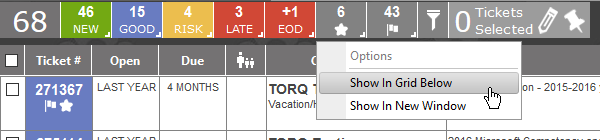
Right click on any of the items and you will be able to open them in the Grid View or in a New Window.
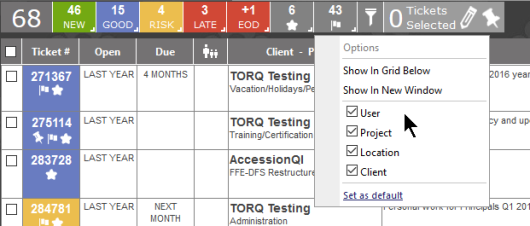
In the case of the Flagged items, you can also select which Flags you want to see, and set it as the default if needed.