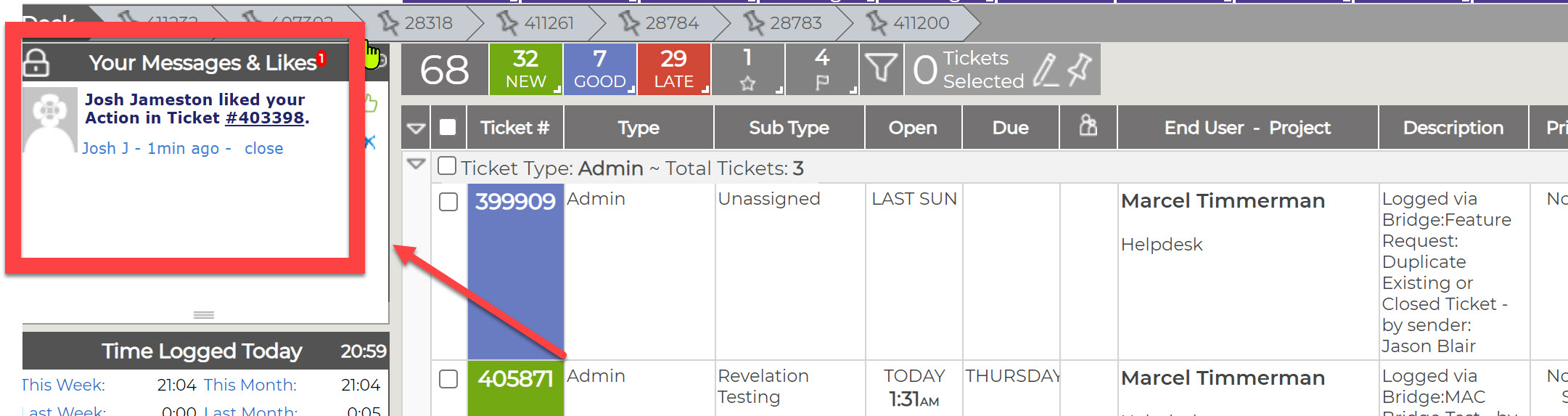
If the Message Feed option is active in Revelation, you will be able to communicate, share information, and like action notes within the system, but outside of tickets. You will be able to post and view messages internally which relate to ongoing support issues you and your colleagues should know about.
Message View option
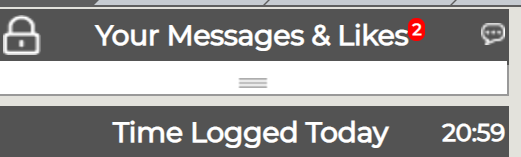
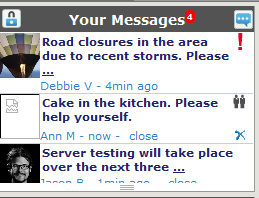
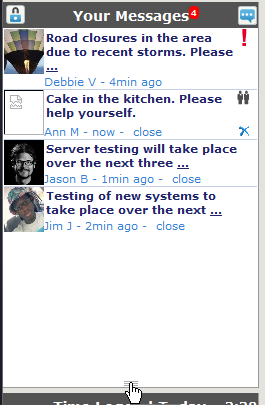
The Message board can be set for three separate views by clicking on the three line toggle in the middle of the Feed area. (Messages in bold are unread messages. )
|
Collapsed view |
 |
| Three message view |
|
| Fully open |
|
Likes
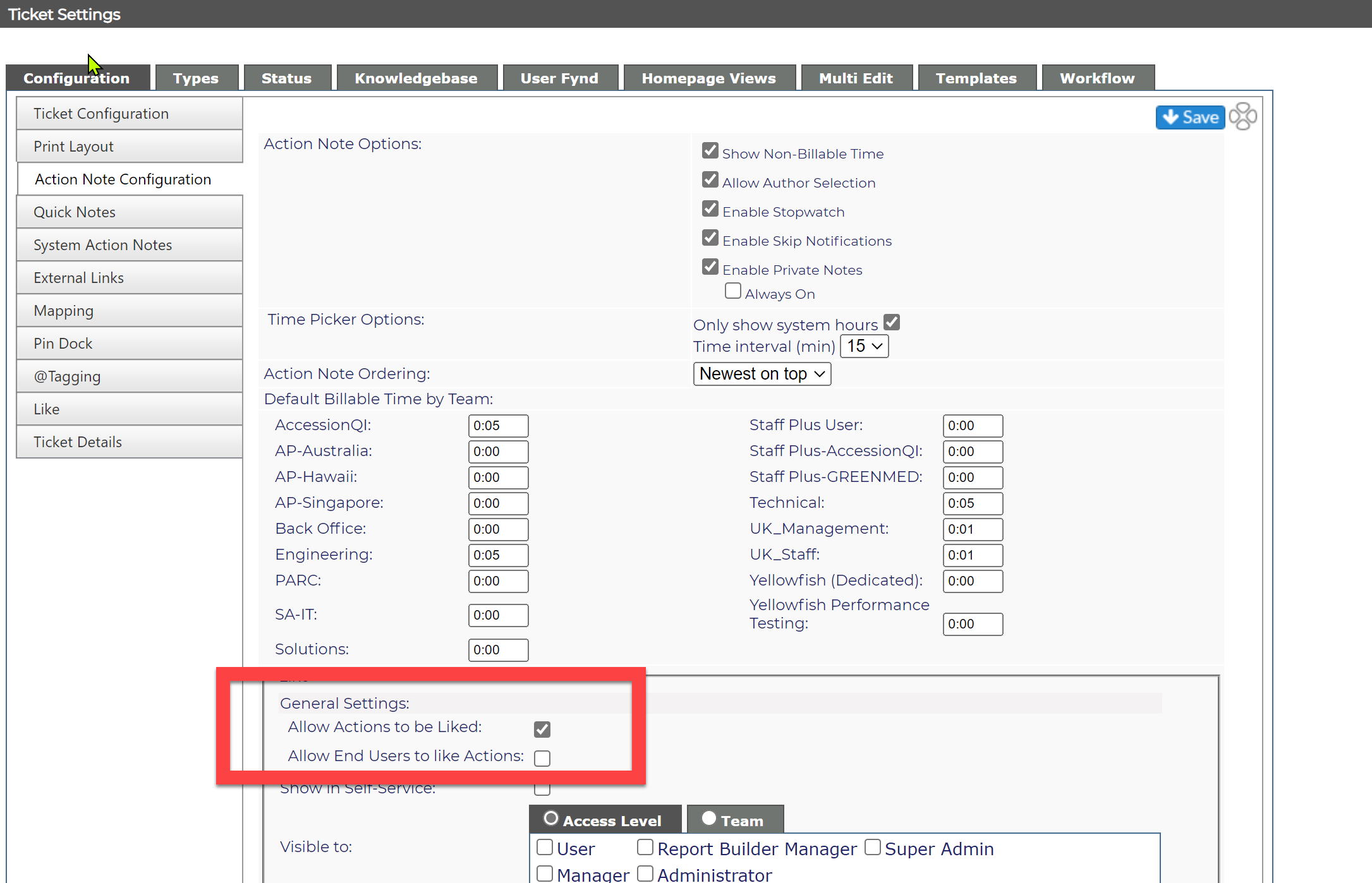
When this feature is turned on in the Ticket settings admin section, it will give users the ability to "like" an action note, alerting the author of the action note in the Messages & Likes area.
You can select for Actions to be Like, and will have the option for End Users to view the liked actions.
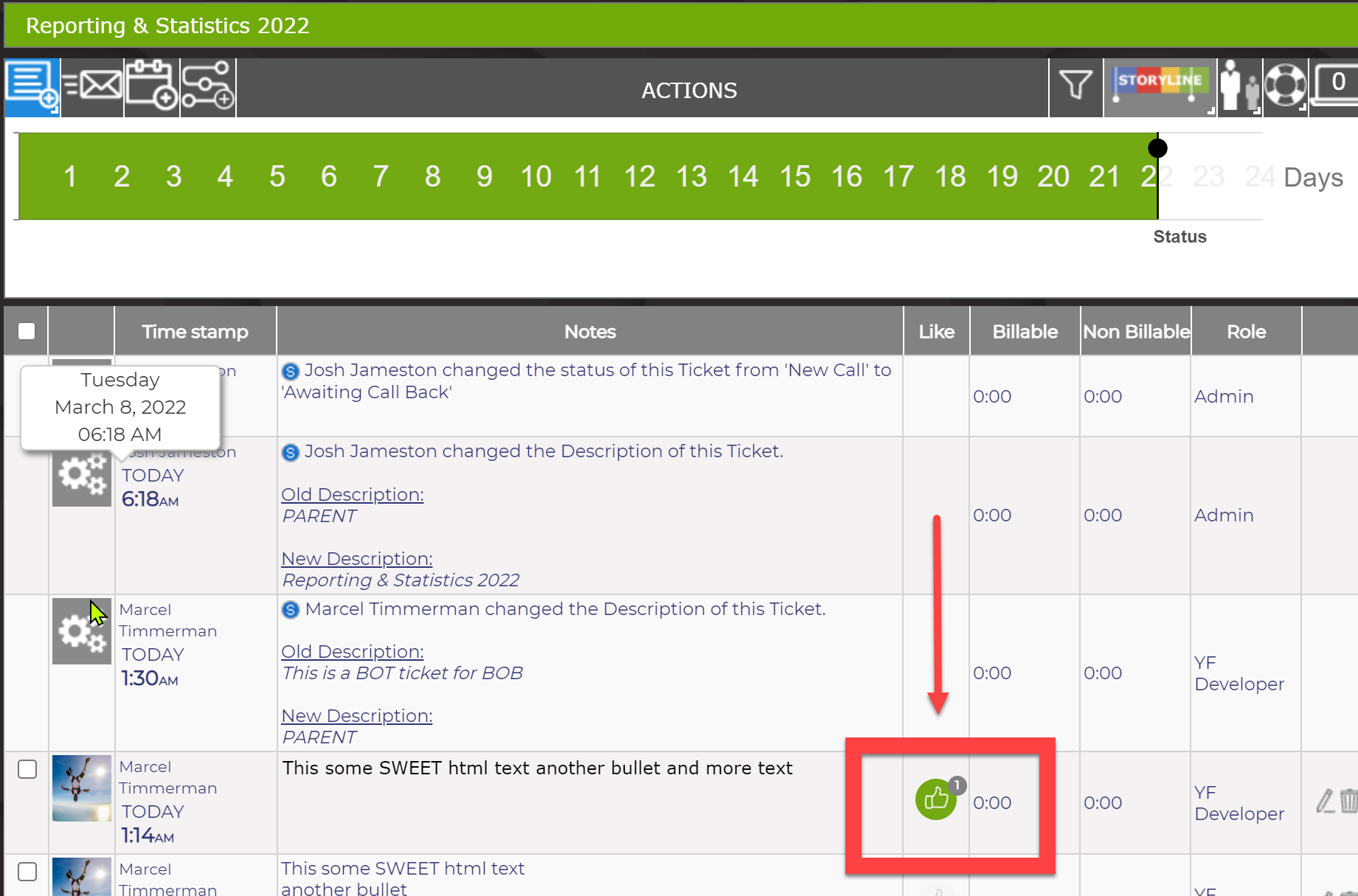
You can like an action by click the "thumbs up" the in the Like Column.
It will they display in the end user's Your Messages and Likes window.