NOTES:
- This is only available if you have Self Service active.
- Only Super Admins can make changes in this area.
- Only the client you specify will see the graphic
- The instructions are the same for both Masthead Branding and Chat Branding
- If logos are needed for both areas, they must be uploaded individually.
- Logo size for Masthead Branding is 260px X 80px
- Logo size for Chat Branding is 40px X 45px
Add Logo
-
Select client from the drop down list
- If the client is already set, they will not appear on the drop down list
-
Drag and drop the appropriate logo to the Masthead or Chat column
- Click on Save
-
A list of active graphics will be generated as they are added.
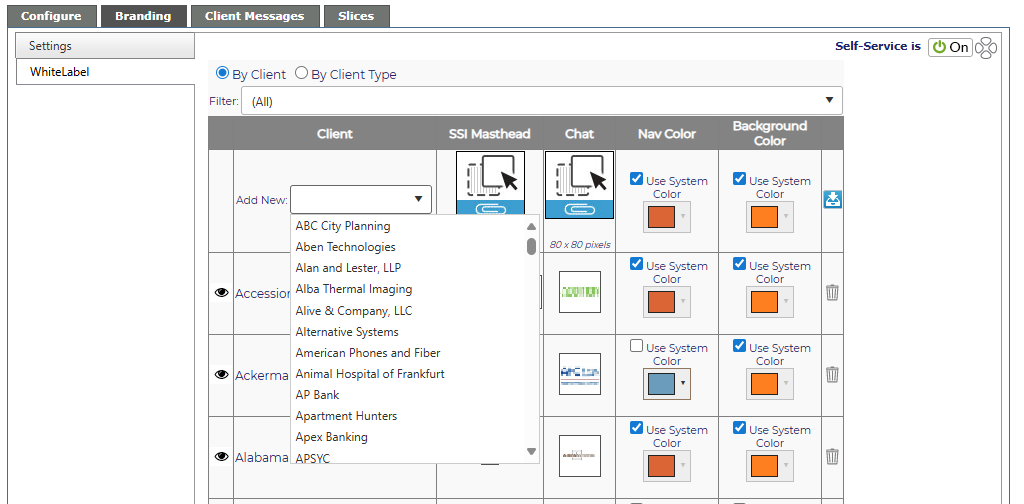
- To preview what the client will see when they log a new ticket - click on the eye icon in front of the client's name.
Change Logo
To change a logo, simply delete the existing logo by clicking on the garbage can icon which appears when you hover over the logo. Then follow the instructions to add a new logo above.

Delete Logo
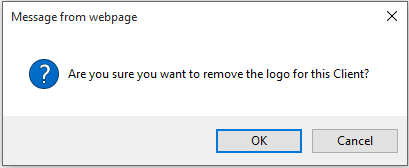
To delete all logos for a client, click on the red trash can which appears when you hover over the logo. You will see a warning message. Click OK to delete the logo or Cancel to keep it.