
To view Slices, click the button in the Main Navigation bar at the top of the page. Or right click and select from the drop down of available Slices.
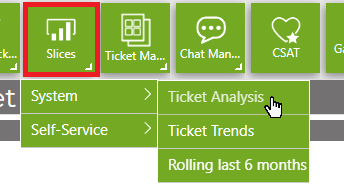
You'll be taken to the default Slices page from the nav button or the Slices you selected from the available options.
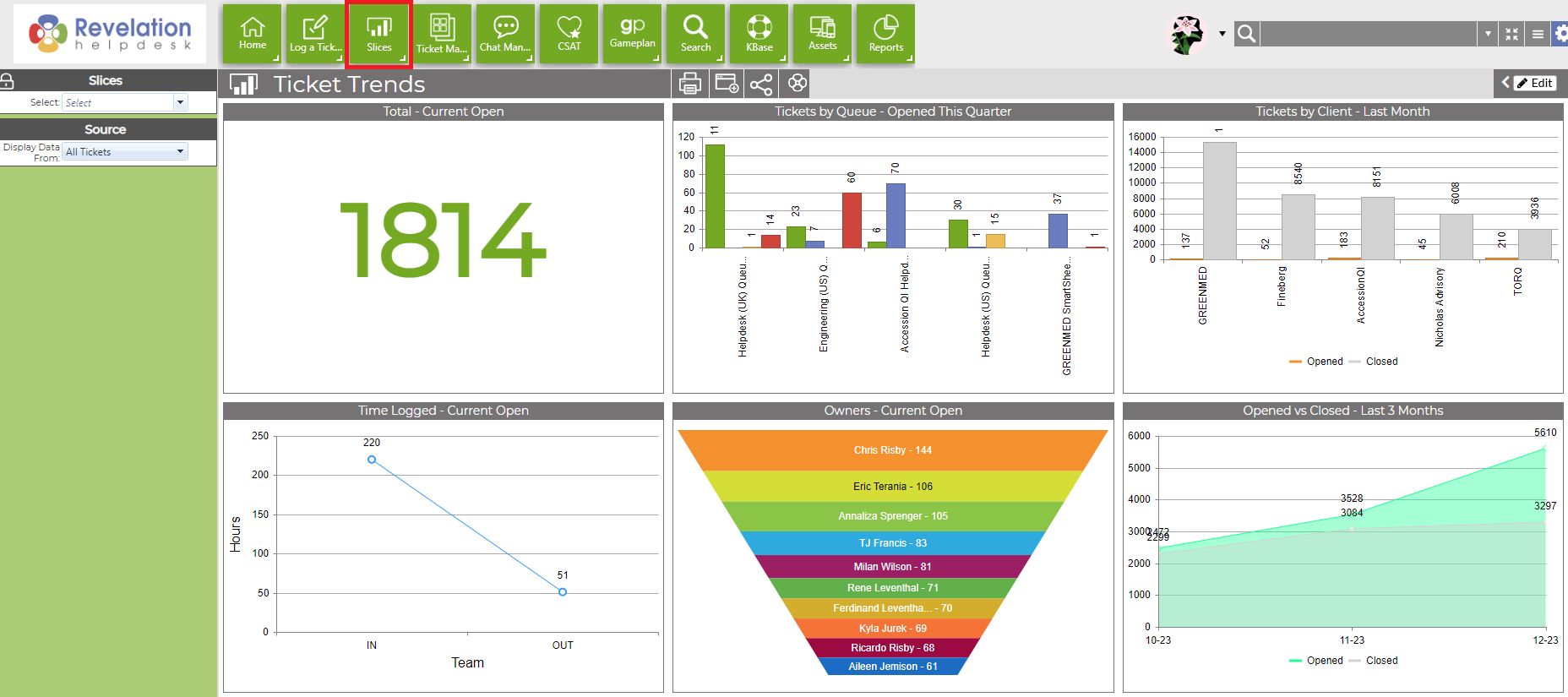
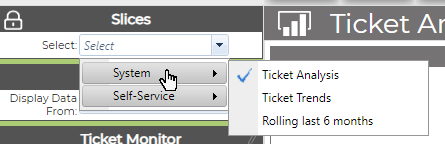
To change the view once you're in Slices, click on the drop down under Slices at the top left of the screen
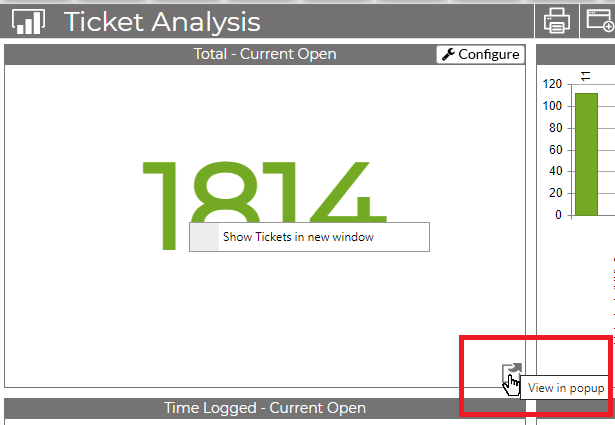
By hovering over a chart, you can show the tickets in a new window by clicking the popup icon. You can also click anywhere in the chart and select Show Tickets in new window.
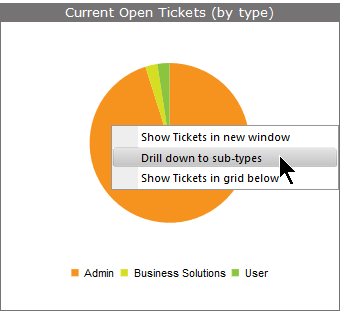
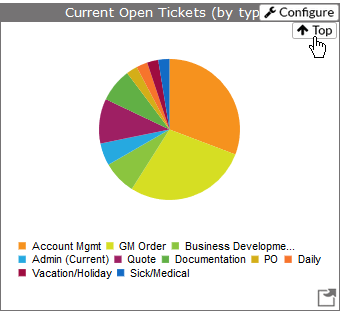
From within the charts, you can sometimes drill down into more detail. Click on the chart to see the options available. To revert back to the original chart after drilling into the information, click on the "Top" button.
|
|
You can also click on a portion of the chart to drill down to the tickets for that particular area.
Move Slices to a New Window

Click on this icon, and your Slices page will open in a new tab in your browser. This way, you can keep it open, but still use Revelation helpdesk through your Home Page.