Using the Burger Menu
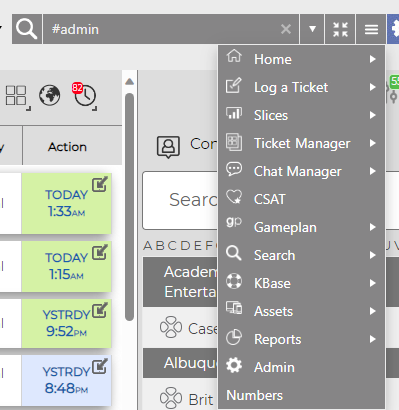
By clicking on the Burger Menu, you will see all the options you normally see on the navigation pane. This includes Saved Searches and Saved Reports. You will see arrows next to items with more options available to you: hover over each item to expand selection options.
Focus Button
With the Focus Button, you can shrink the Navigation buttons as necessary, as well as hide the left and right column tools with one click.
Focus Off:

Focus On:

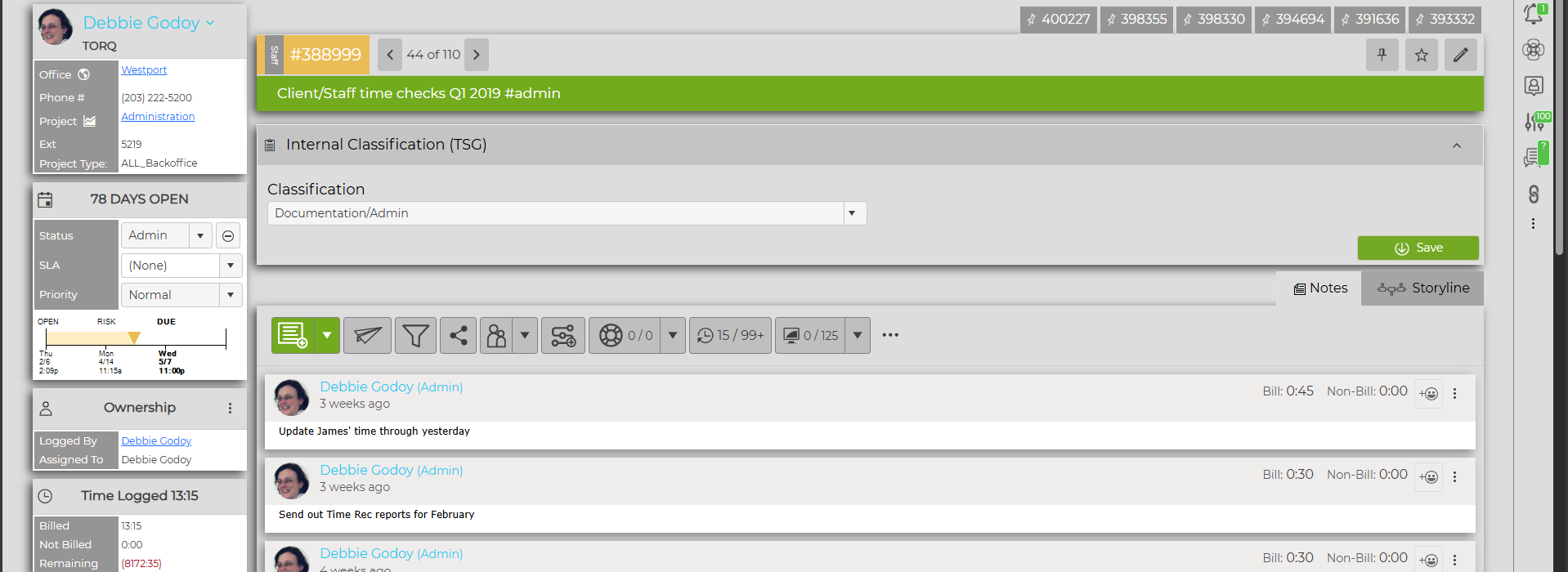
NOTE: When in a ticket, the information in the left column will still be visible. This cannot be closed down.