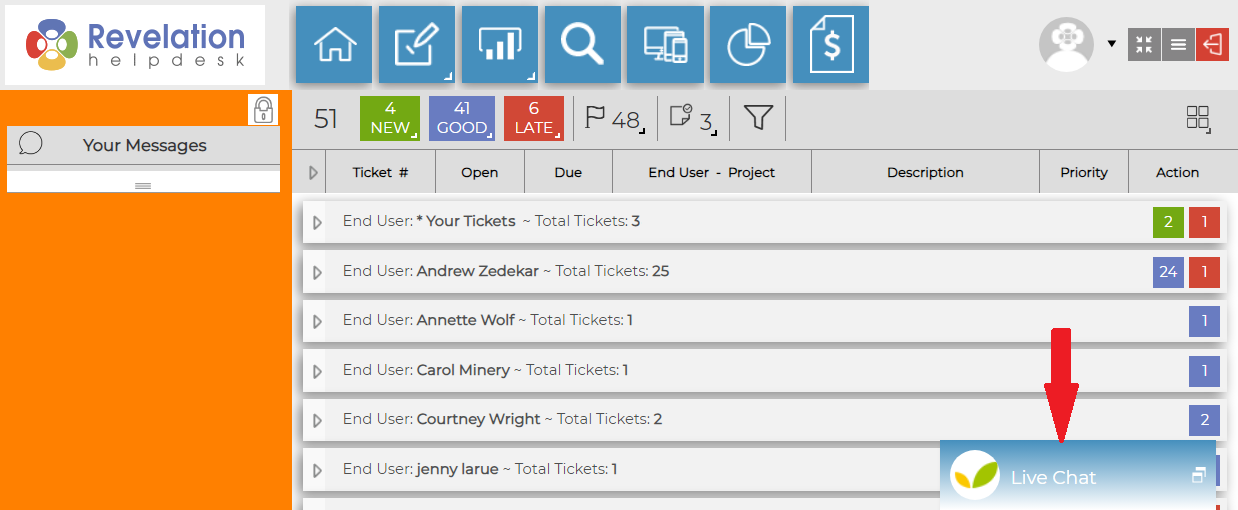
If Live Chat is available, you will see one of the following tab on your home page:
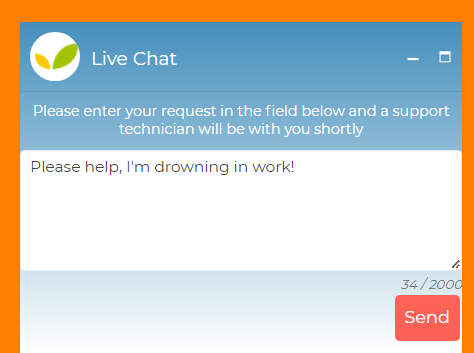
When clicked, the tab will open a chat window, where you can type a brief description to your available Support company.
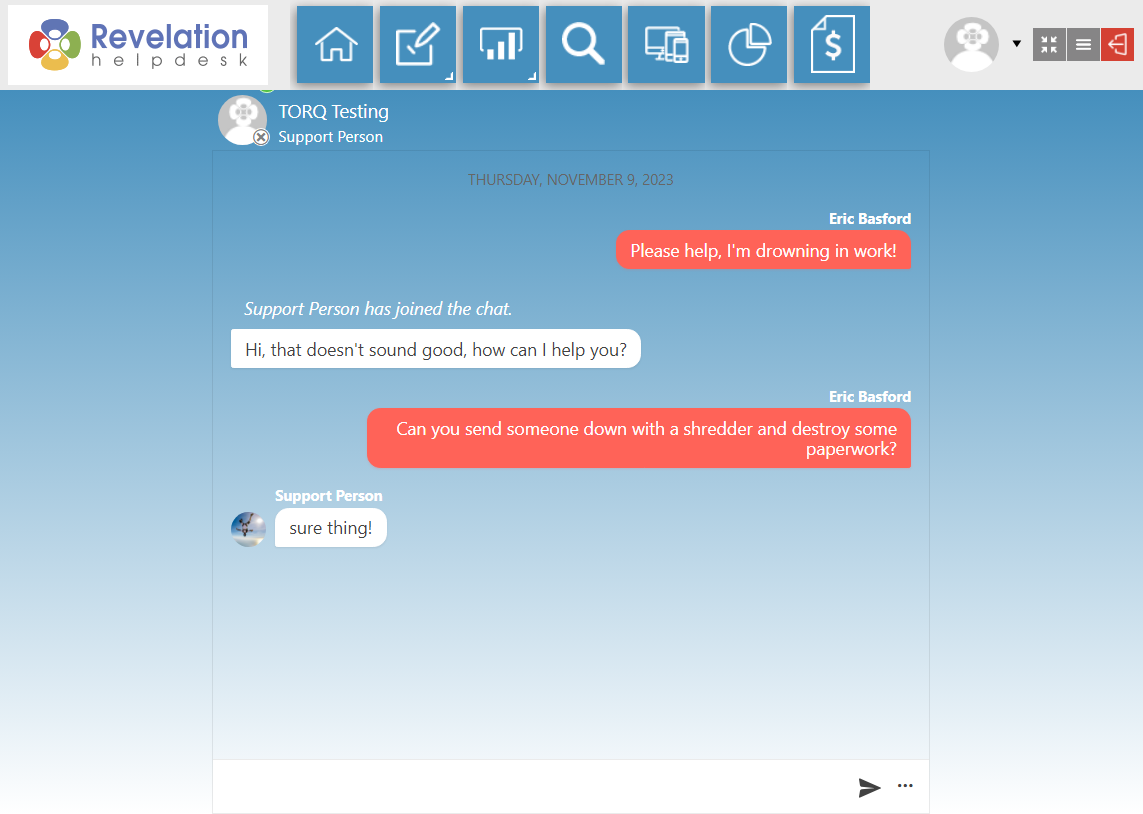
When the technician clicks on the notice, they will see who you are and your question.
If a technician is available, they will respond to your Chat.
All Technicians Busy
If there are no technicians available, you will see the following message and be given the opportunity to use your Chat to log a new ticket:
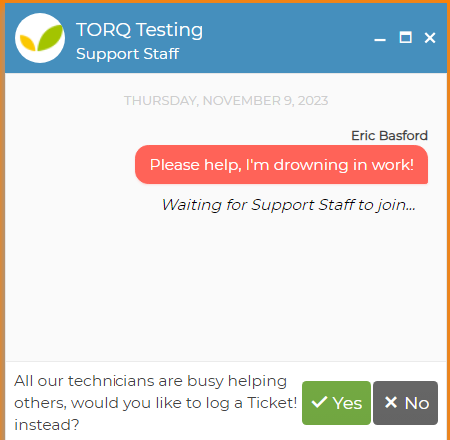
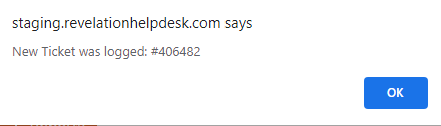
When you click on Yes, Revelation will give you a ticket number, and the ticket will appear on your home page.

Separate from the Self-Service Interface, you may use chat exclusively on its own.