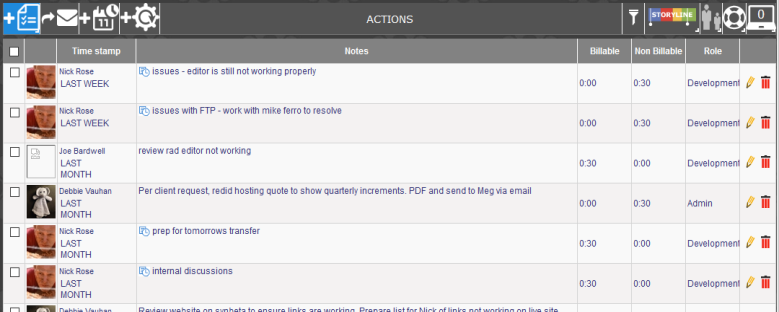
Some tickets can be rather long and have multiple staff adding to the ticket history. To filter through the ticket to find each person’s notes can be time consuming.
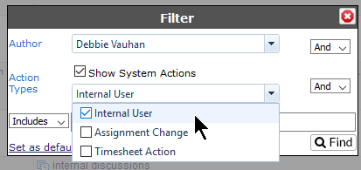
The Ticket Action Filter allows you to filter by one or more of the people who have added actions to the ticket and by the type of action (Internal User, Assignment change or Logged by Template).

Click on the filter button and select the Author from the drop down. To select multiple users, tick the check box in front of the person's name.
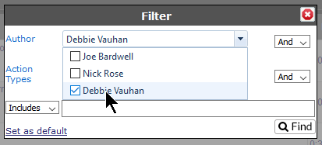
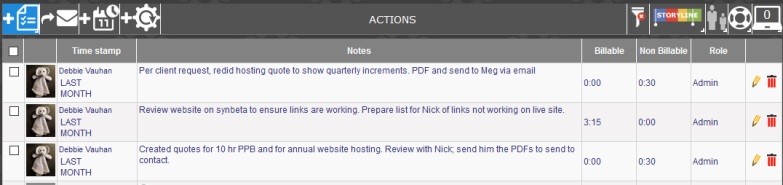
When you hit Find, only the action notes added by the selected user(s) will be visible on the screen.
You can also filter a ticket by the Action Type. These include actions added by an External User or Internal User or perhaps a System note such as an Assignment change.
You can also filter a ticket's Action notes by Date Range.
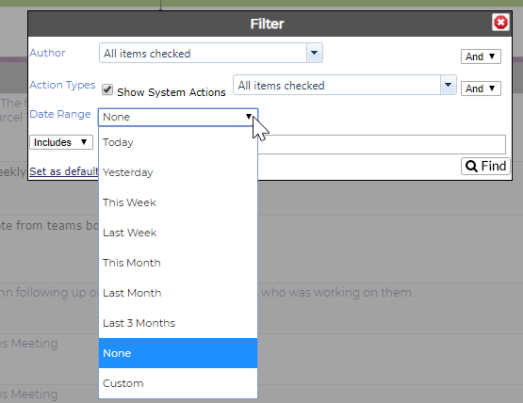
If Show System Actions is checked, all the System Actions against the Authors selected will be included in the filter. If unchecked, only the Action Notes will be shown.
NOTE: The check box will be visible only if you are set to see System Action Notes.
|
Ticket with all notes |
|
|
Filtered Ticket (filtered by Debbie Vauhan notes) |
|
|
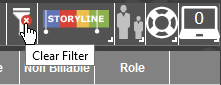
To clear the screen, click on the Filter button with the red X. |
|