
System Default


Note: This Account Type will be the default that outbound emails are sent from. Remember to select Save following any changes to the General Settings.
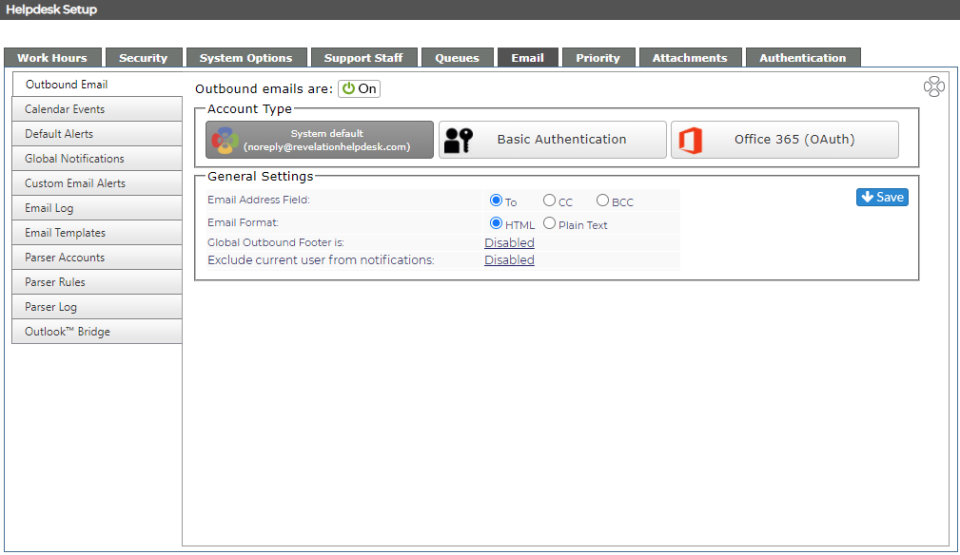


Item

Description

Outbound emails are:  Turn all outbound emails on or off

Email Address Field:

You have the option to have the addressees of the emails to be in the To, CC or BCC field of an email

Email Format

Choose HTML or Plain Text

Global Outbound Footer is: Enable or disable the Global Outbound Footer
Exclude current user from notifications: Allow emails to be sent to the person who added the action note, etc. to Revelation. By disabling, they will not get the emails.