
Your login screen is accessed via the specific URL for your copy of Revelation helpdesk.
At the bottom right side of the screen will be the edition logo, showing if you are using cloud or on-premise.
- ID: Your login ID
- Lock: Your password
- or Connect with... : Choose from one of the single sign on options available if enabled, and allowed, by the Super Administrator for your Revelation helpdesk. If active, you will be automatically logged into Revelation with the option set up.
- Microsoft
- Apple
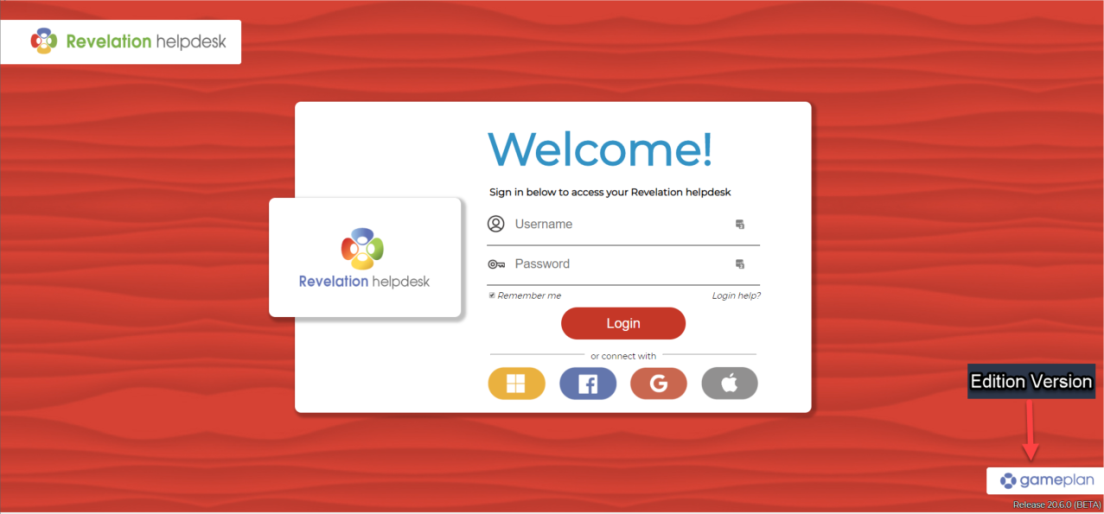
If Authentication is not turned on, the classic login screen will appear.
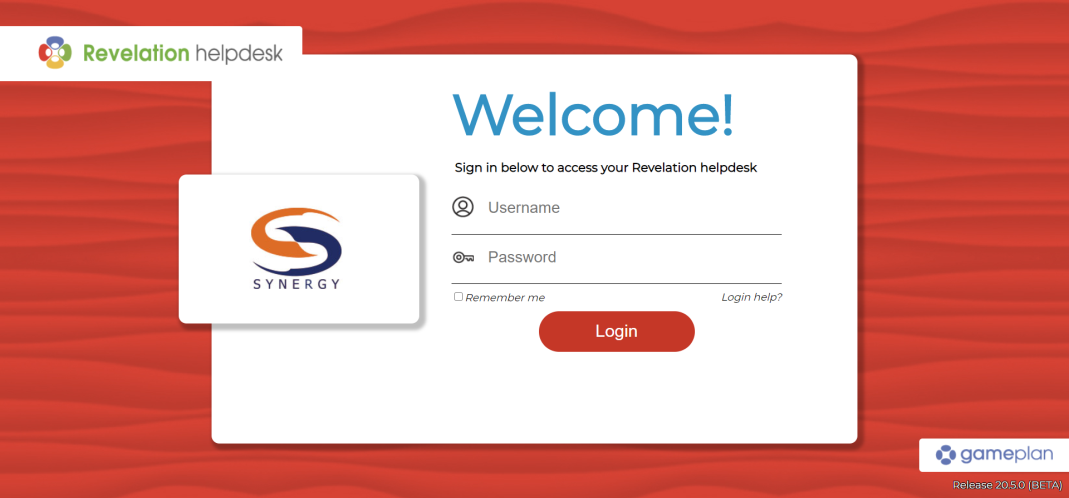
The background pattern can be adjusted by a Super Admin level administrator.