
From the +New button on the Slices page, you a pop up with three options.
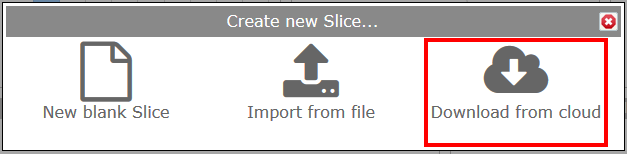
By selecting the Download from cloud option, you get a screen showing a variety of Slices available for download. You will see the following screen and thumbnails of the Slices you can download. There will be a brief description of each, along with a Preview button so you can see it in a larger format. If you're interested, click on the 'Add to Revelation' button under the thumbnail.
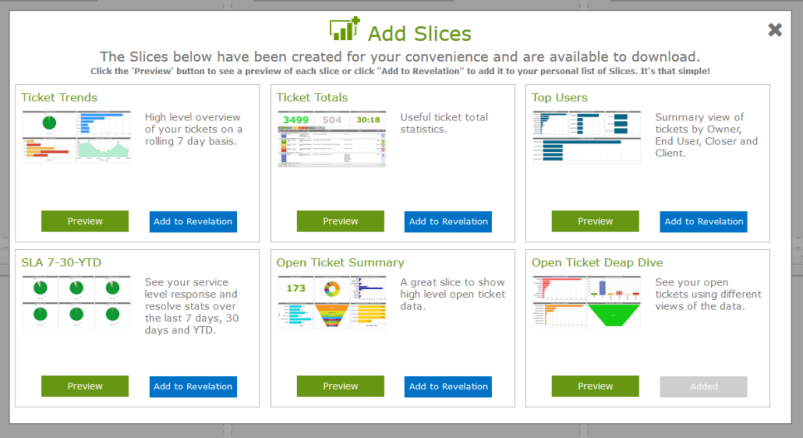
Click on the Preview button to see a larger version of the Slice. Click on Add to Revelation to add to your Slices library.