
From here, you can configure access to the email accounts which accept your incoming support emails, as well as some global parsing rules.
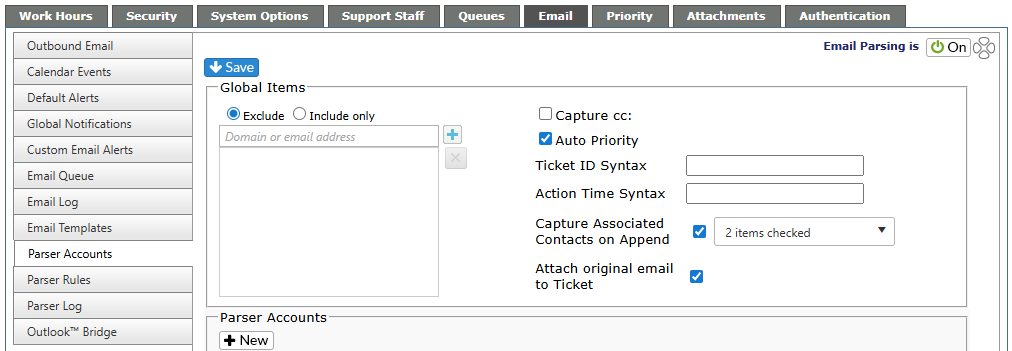
Using Office 365 (OAuth) Account Type:
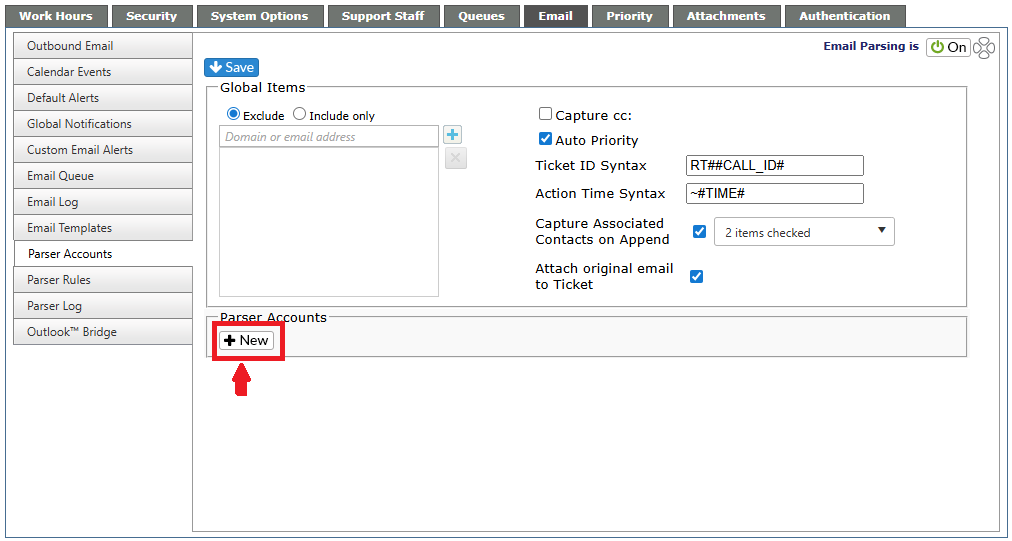
1.) Select New under Parser Accounts.
2.) Select Office 365 (OAuth). From the drop down menu, you can select an existing OAuth account, or may select Add another account. If adding another account, you will be directed to the Microsoft App Permissions consent page.
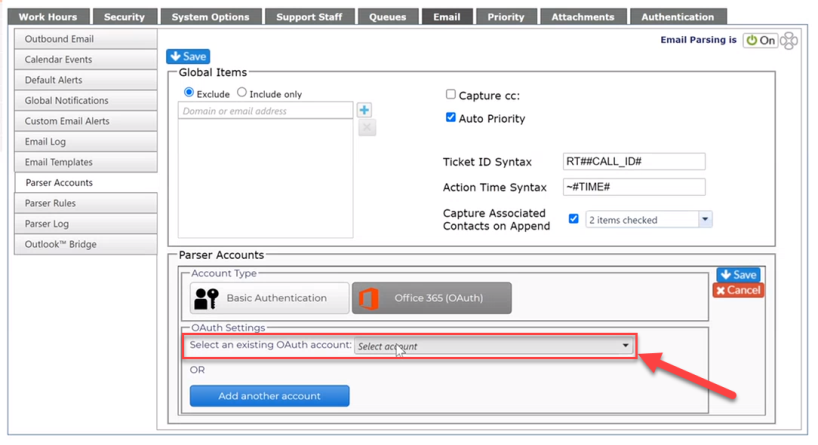
3.) Select Save.
To use Office 365 (OAuth) for outbound email, visit the Helpdesk Set Up section of the Helpguide for Outbound Email, or click here