
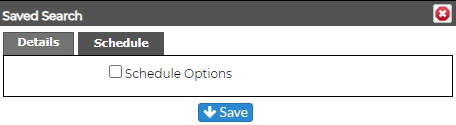
When Scheduled Events is enabled in the Admin section of Revelation, Searches can now be scheduled to run at specified times or even on a regular schedule (daily, weekly, monthly, etc.). The searches can be saved by any level user.
-
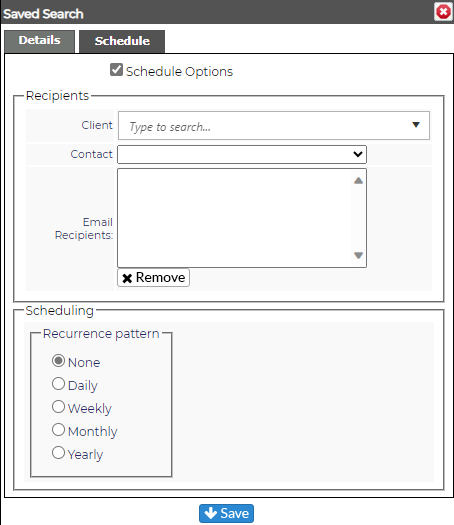
Select the contact(s) to add as a recipient
-
Set the time and schedule for the delivery of the report
-
Select the Start Date
-
Select an End Date or No End Date
-
Click Save
By design, the resulting email will contain a link only (similar to the current "email report" option) and the User must have standard access (i.e. a license) to access the saved report.
Administrators will be able to view and edit all Scheduled Searches saved within Revelation in the Staff Settings area of the Admin Section.