
From the gray bar at the top of Slices, click on the Printer icon and a new tab will open with the Slices on your page ready to print to PDF.

There will be information on the Parameters including the Source, Project Types, Staff, Teams, Queues, etc. The Print Date will also be included.
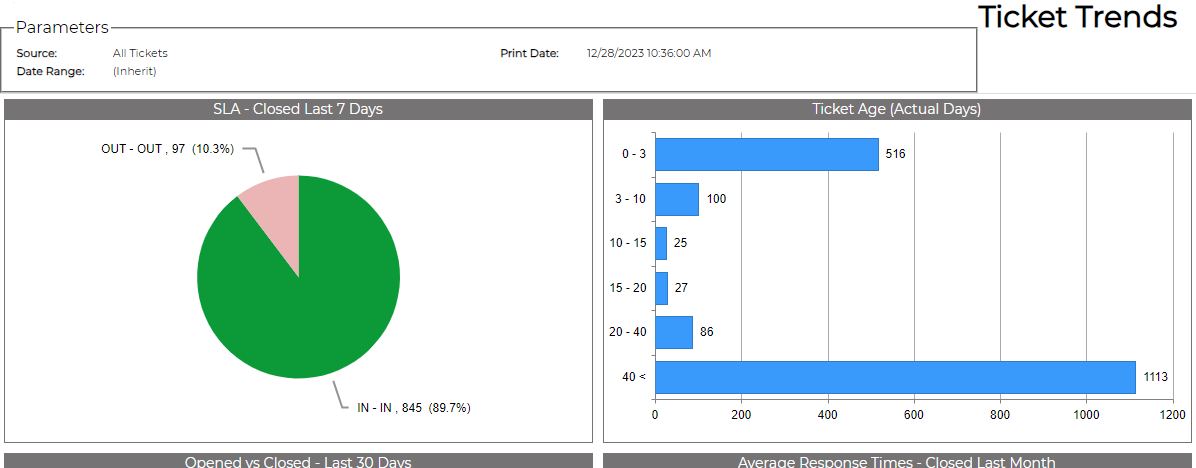
NOTE: The actual PDF may look different based on the limitations of your browser.