The Live Tickets View allows you to see what tickets are currently being worked in real time within the Ticket Manager.
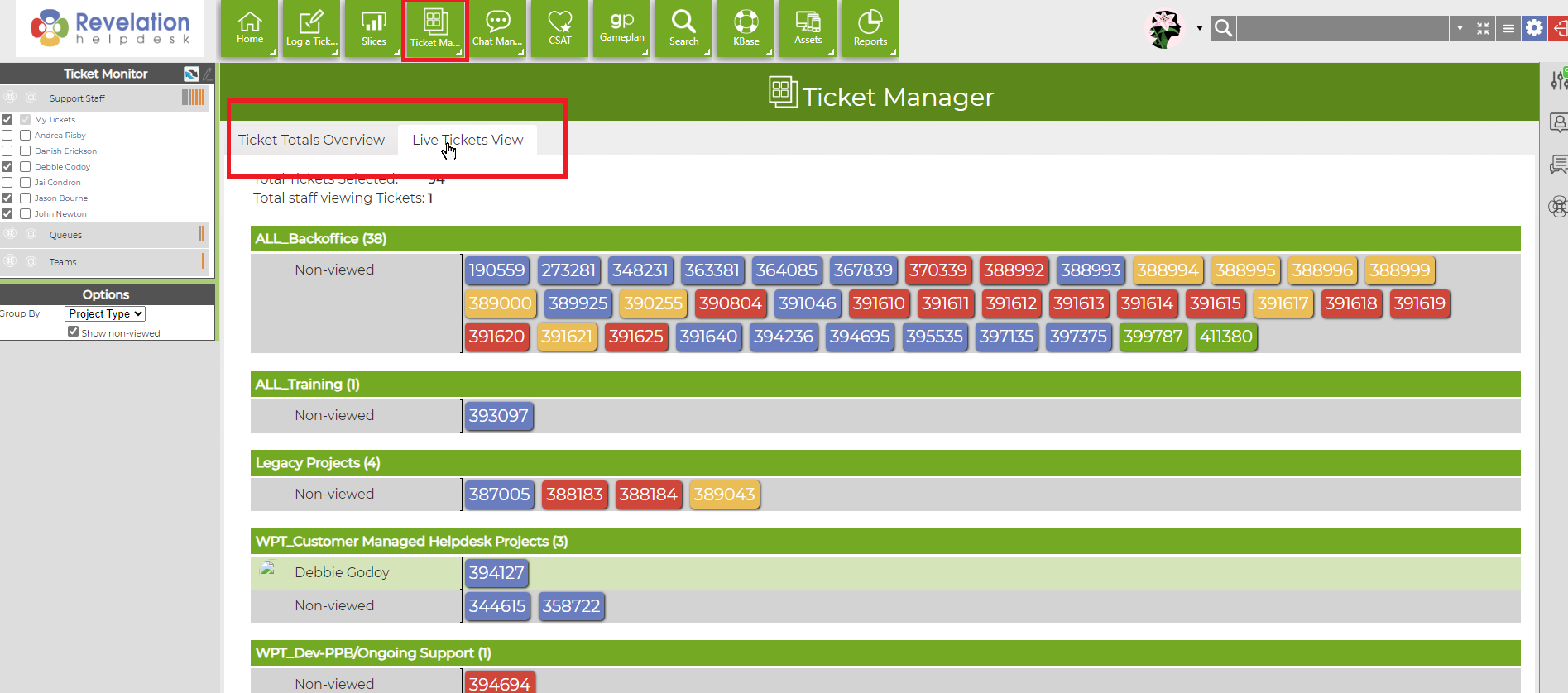
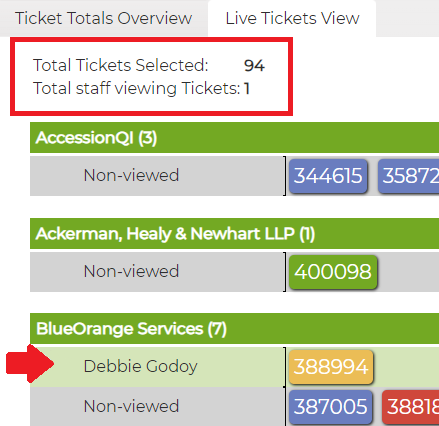
You can arrange the ticket view by Support Staff, Queues, or Teams. Above the tickets displayed, it will indicate a number of Total Tickets Selected by your Ticket Monitor settings; and total number of staff currently viewing Tickets.
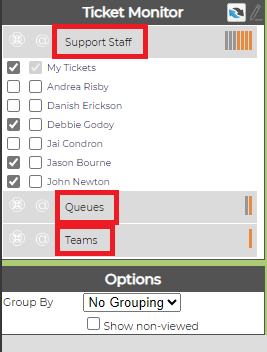
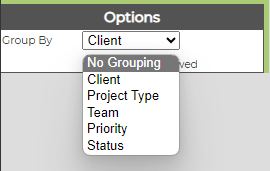
Under Options, you may choose how you'd prefer to group the tickets to view:
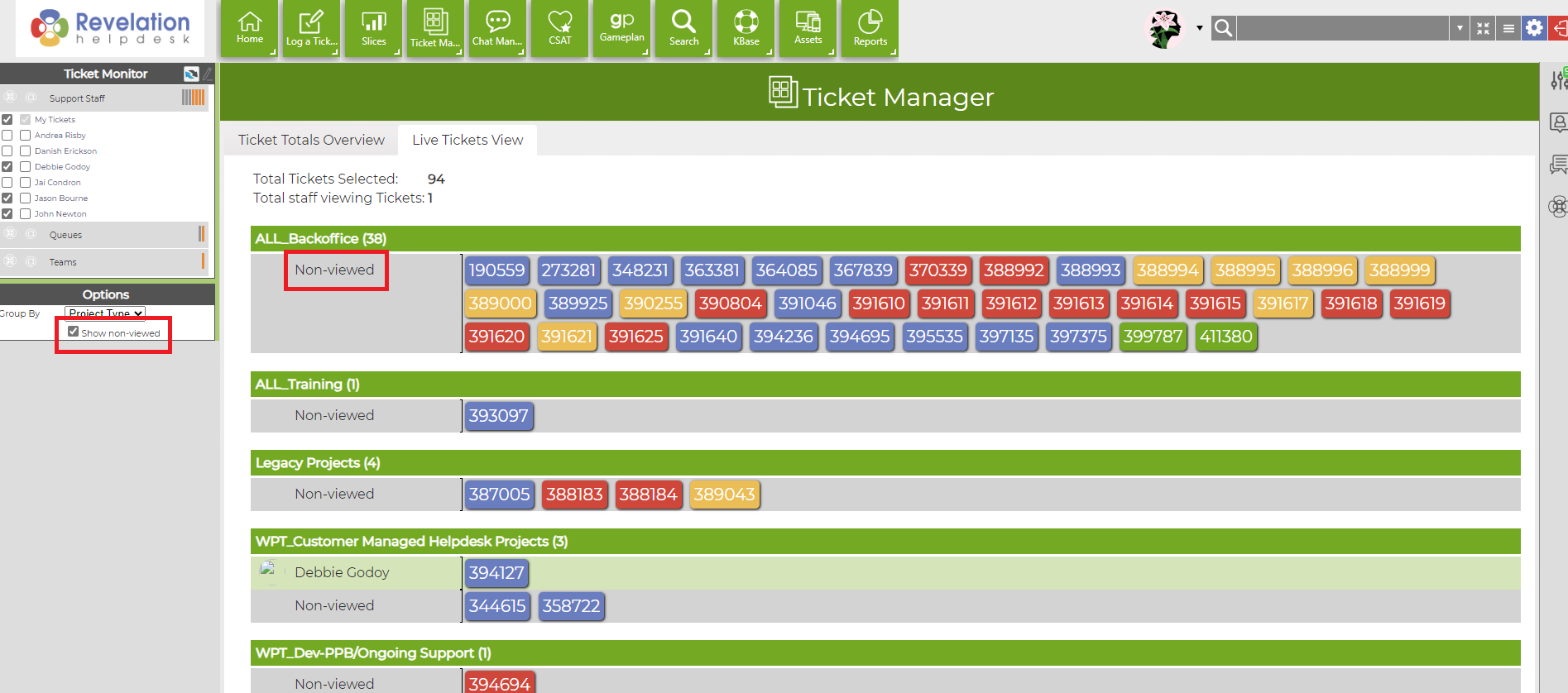
You may also select Show non-viewed; which will display tickets in your ticket monitor not currently being viewed/worked on; with their current SLA status indicated by their color.
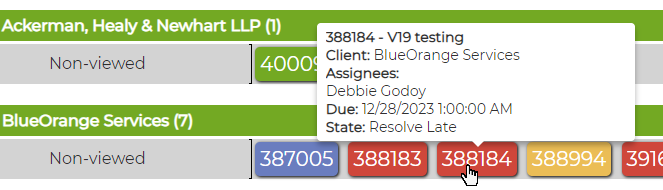
By scrolling over a ticket, it will provide a quick view of the ticket details:
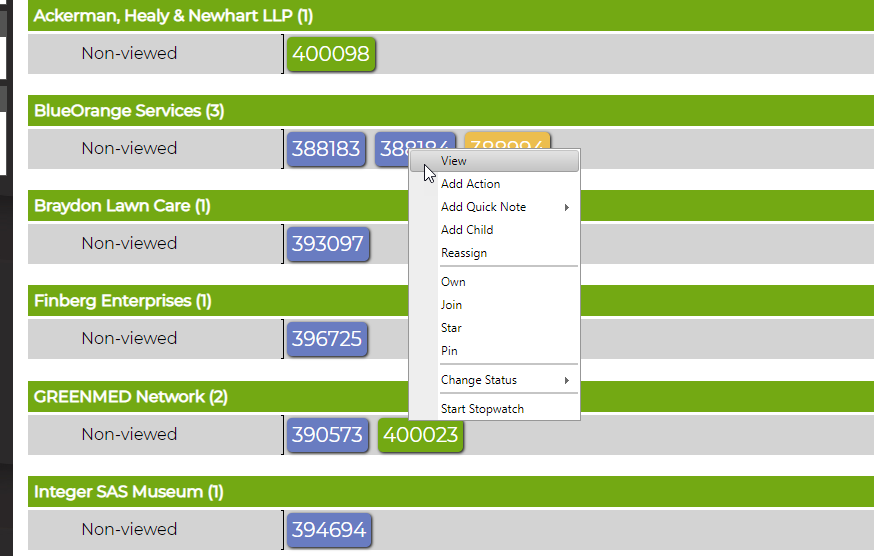
By right clicking on the ticket, it will allow you to make changes to the ticket with various options;
such as Changing the status, joining the ticket, reassigning the ticket, etc.