
Revelation helpdesk has a knowledge base as part of the System Options. If this option is Enabled, users will be able to search through the Knowledge Base (KBase) for articles.
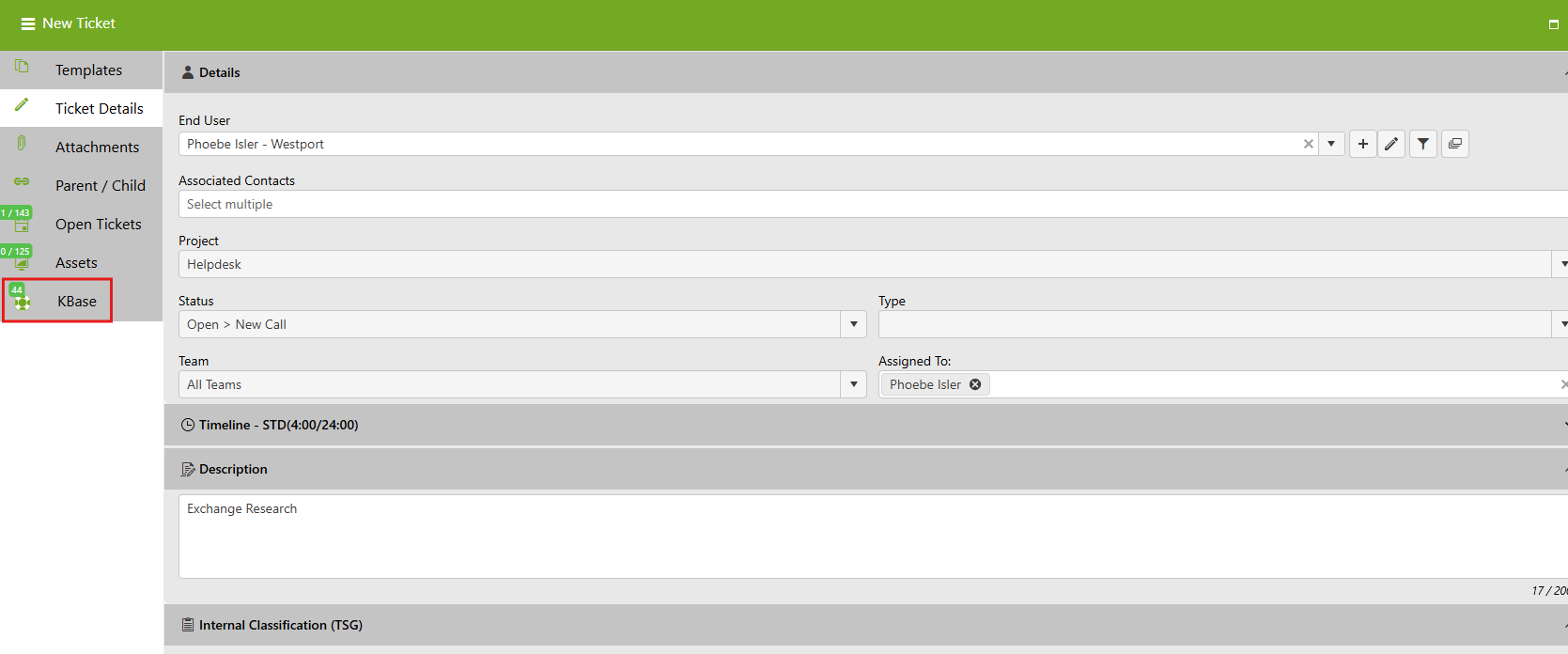
If enabled in the Admin area, there will be a KBase tab within Log A Ticket. After entering the Ticket Description, click on the KBase tab. Revelation will automatically check for keywords in the description and populate relevant articles in the Knowledgebase system.
If any articles are listed, click on the KB number to bring up the article in a new tab.
NOTE: Be sure to have Allow pop-ups from Revelation active in your browser.
In an existing Ticket, users can search the Knowledge Base by clicking the Knowledge Base logo in their main toolbar. Revelation will populate relevant articles based on the Ticket Description.
NOTE: If the Knowledge Base logo doesn't appear in the toolbar, users can reconfigure their toolbar to include the Knowledge Base icon.
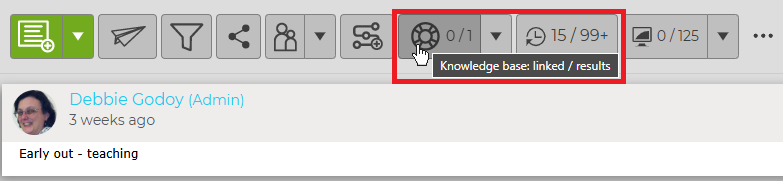
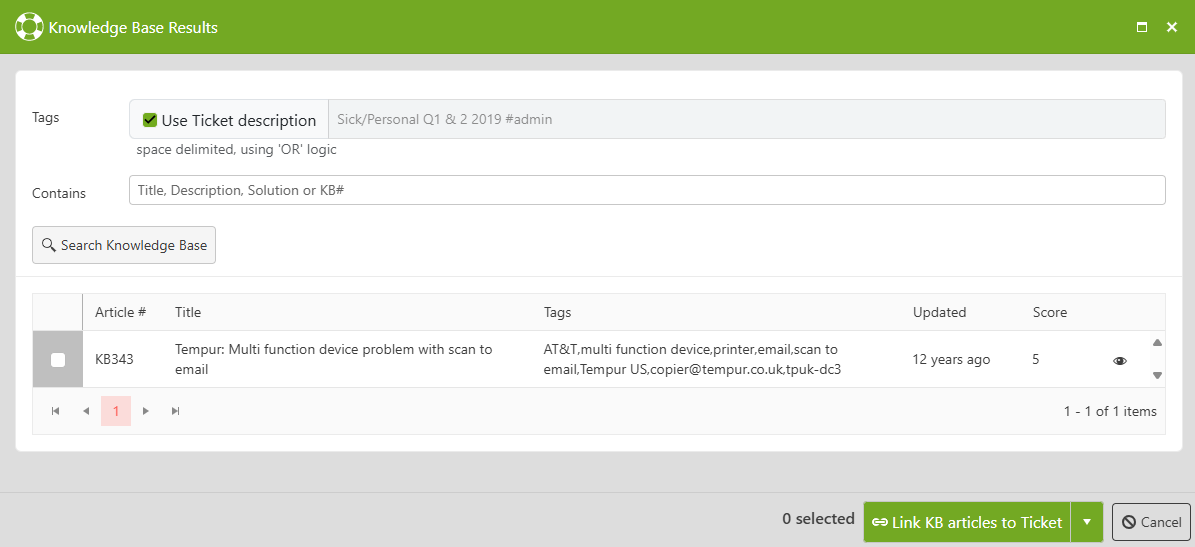
Admin and Manager level users are able to convert the existing Ticket into a Knowledge Base article by clicking the drop-down arrow next to the Knowledge Base icon and selecting Add to Knowledge Base.
If Knowledge Base is disabled within System Options, the button will not appear. The option to search from within Log A Ticket and in Search will be removed.