
Open the ticket, then click on the pencil icon to the right of the ticket number.
You can edit the following information:
-
Due Date
-
Due Time
-
Status
-
Ticket Type and Sub Type
-
*Client
-
*Client Contact
-
*Assigned To
-
*Project
-
*Priority
-
*Ticket Description
NOTES
- Changes should be made here only when necessary. Additionally, only Admins can delete tickets from this screen.
- If you have User Fynd enabled in the Admin Area, you will not see the Client box. The End User box will be visible. Simply type the Client name or the end user at the client to change the Client for the ticket.
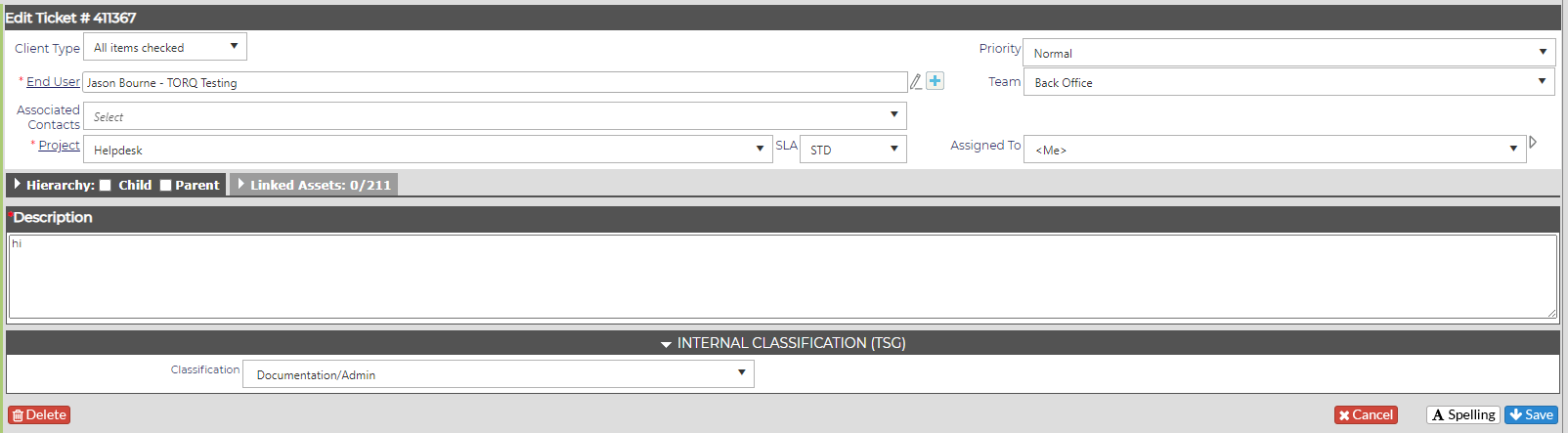
Any item with a red asterisk (*) is required.