To create a recurring template, follow the steps for a Non-Recurring Template EXCEPT for the following items:
-
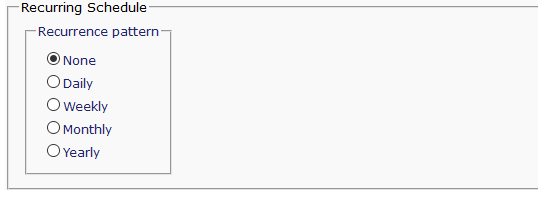
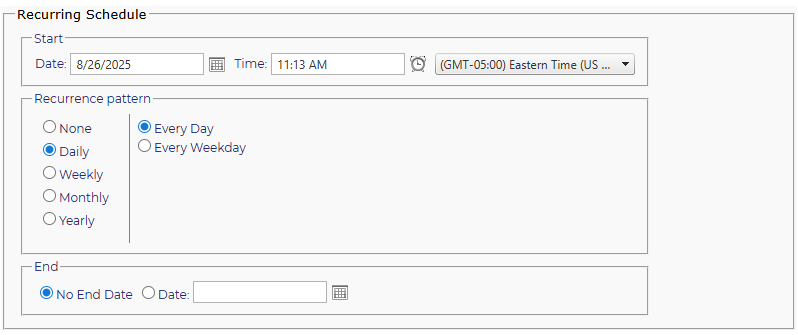
Under Recurring schedule - select the frequency - Daily, Weekly, Monthly or Yearly
-
-
A scheduling screen will show based on your selection
-
Set the time & time zone at the top for the ticket to log to the system
-
If Daily - it will log every day at that time
-
If Weekly - select how often (every _ week), and the day or days to log the ticket
-
If Monthly - set the day of the month and the frequency (every __ months)
-
If Yearly - set the month and day for the ticket to log
-
-
Set the Start Date & Time for the ticket to begin logging.
-
Set the End Date if required. If not, leave the No End Date radio button selected
-
Click the Save icon at the top of the page and the tickets will start logging at the appropriate time.