Cloud and on-premise, with SLA active
|
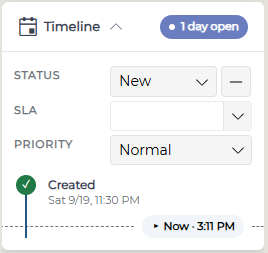
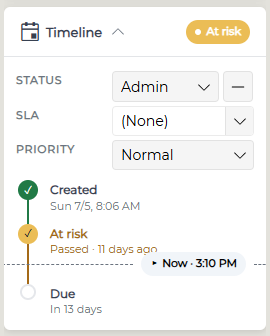
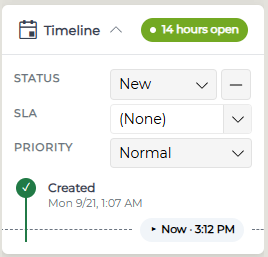
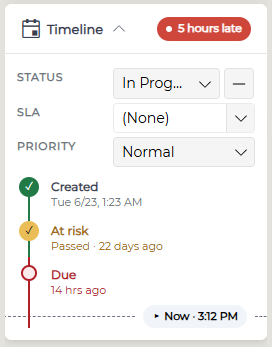
The timeline is on the left side of the ticket screen.
|
|
|
The position of the triangle represents where the ticket is in the SLA timeline.
The date in BOLD is the next milestone date to be aware of.
|
|
|
The pin moves down in real time and changes color accordingly. (Green for new tickets, Blue for current, Yellow for at risk and Red for late)
|
|
|
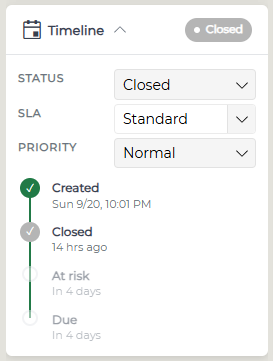
Once a ticket is closed, the Timeline will mark the closed date and time with a tool tip that appears on hover. The color of the slider will also indicate the state of the ticket when it was closed. |
|