Note: The initial view of your home page will be set by your Support Company or IT Department.
Depending on the options set by your Support Company or IT Department, you may see the following when you first log in to Revelation helpdesk:
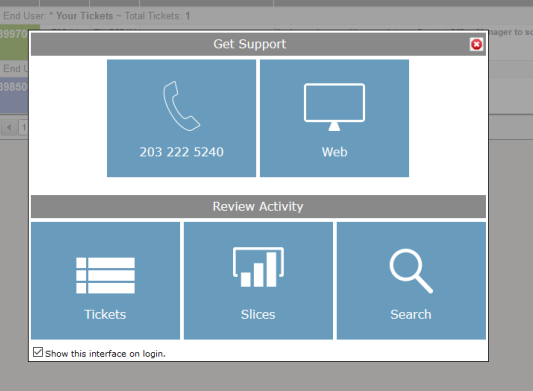
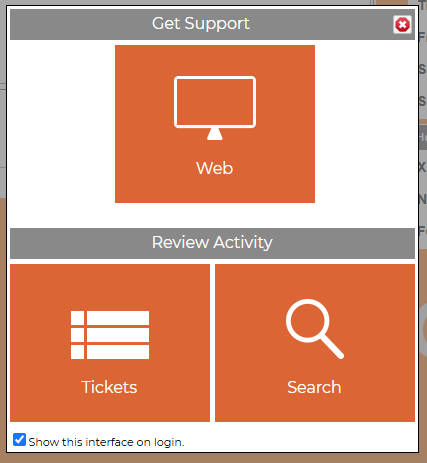
| Item | Description |
| Chat | If Chat is active, allows users to connect with the Support Company or IT Department. You may be able to log a ticket from the Chat screen. |
| Phone | Roll over the icon to see the phone number to call for your Support Company or IT Department. |
| Web | An link to log a new ticket with your Support Company or IT Department |
| Self Help | Takes you to the Knowledgebase, where you may find the answer to your issue. |
| Tickets | Takes you to the Home Page Grid |
| Slices | Takes you to the Slices screen. |
| Search | Takes you to the Search function in Revelation helpdesk. |
| Check box | Uncheck and the Splash Screen will not appear on log in, unless reset by your Support Company or IT Department. |