You can look for articles from Search, or you can use the Search/Advanced Search functionality from the Knowledge Base home page.
Search
Type a brief description in the Search box and click Submit. The articles will appear below the search bar.
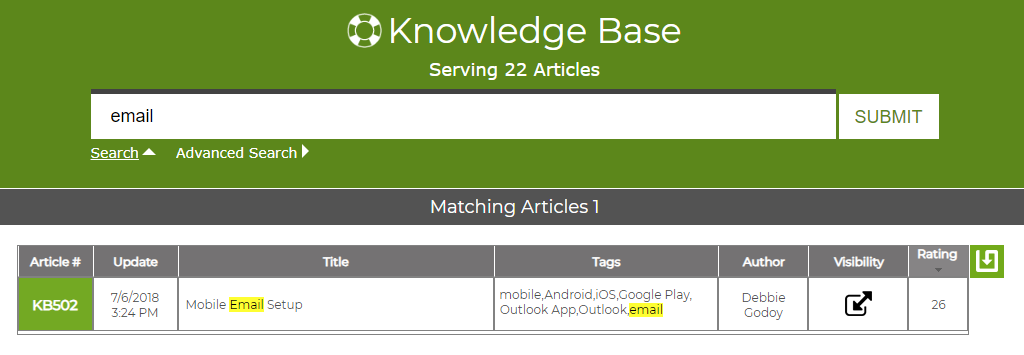
The term searched will be highlighted in the results. By clicking on column header, you can sort the results.
Advanced Search
By selecting Advanced Search from below the search bar, you have more options to narrow your search. You can select by Author, Article number, Tags, and more.
