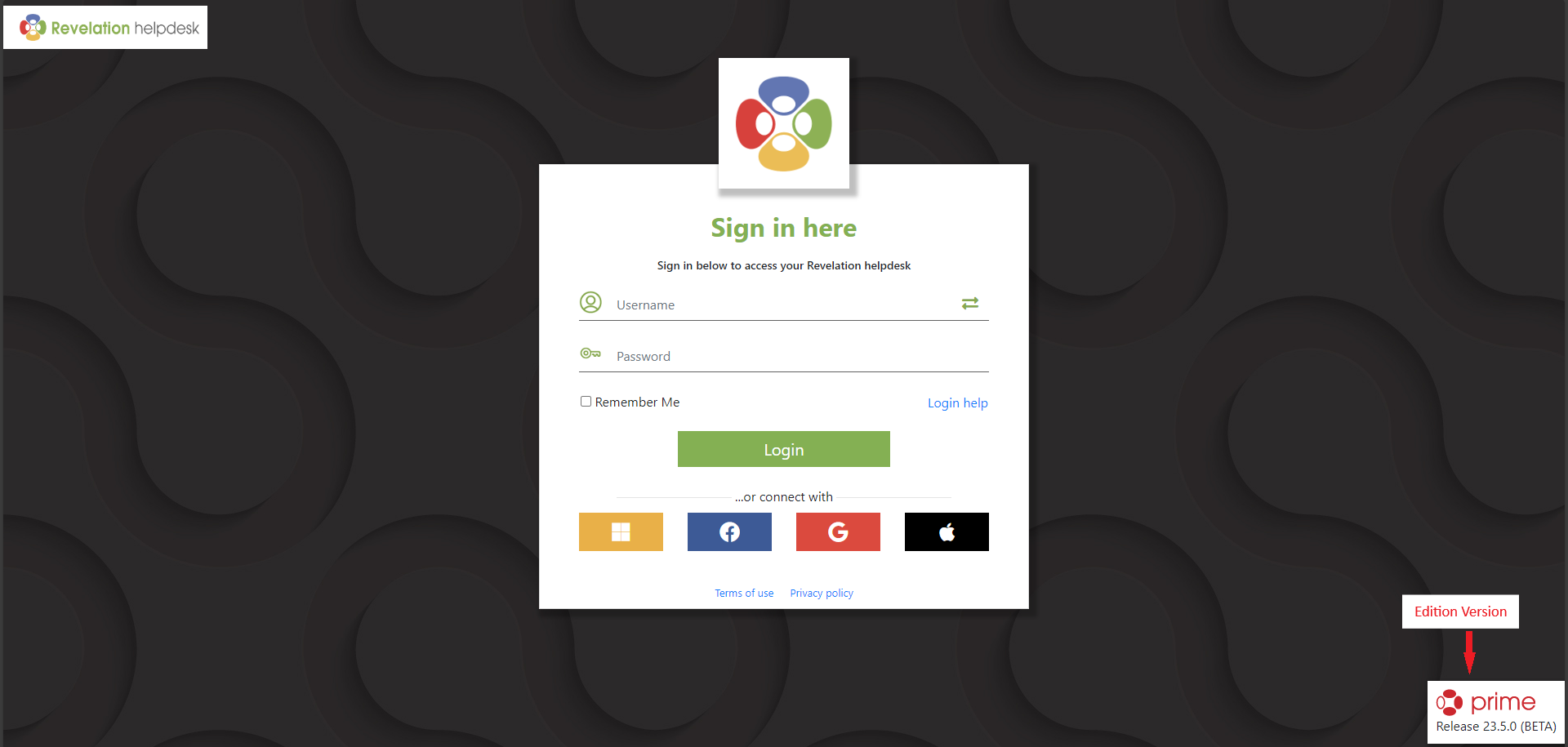
Your login screen is accessed via the specific URL provided to you by your Support Company or IT Department.
ID: The login ID provided to you by your Support Company or IT Department.
Lock: Your password
or Connect with...: Choose from one of the single sign on options available if enabled, and allowed, by your Support Company or IT Department for (Undefined variable: Primary.ProductName). You will need to login into Revelation once more, and then it will log you in automatically. Select from
- Microsoft
- Google+
- Apple