Once your ticket is logged, you can add Action Notes to provide additional information to your help desk, or to respond to queries from your help desk on the ticket.
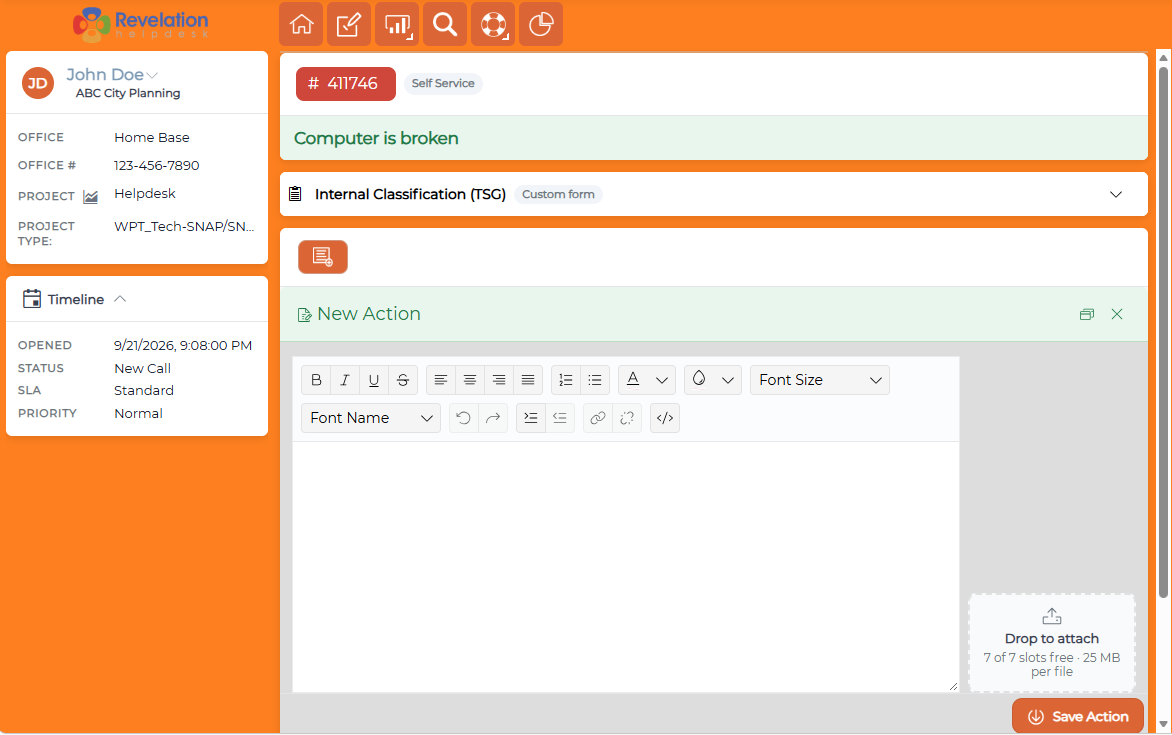
By clicking on the Add Action button, you will open a blank Action Note. Within the new note, type the information you want the help desk to have. If there is an attachment, add it to the note by using the Attach button located next to the Save button.
To save the note, click the Save button in the lower right corner.
To cancel the note, click the X at the top right corner of the Action Note field.