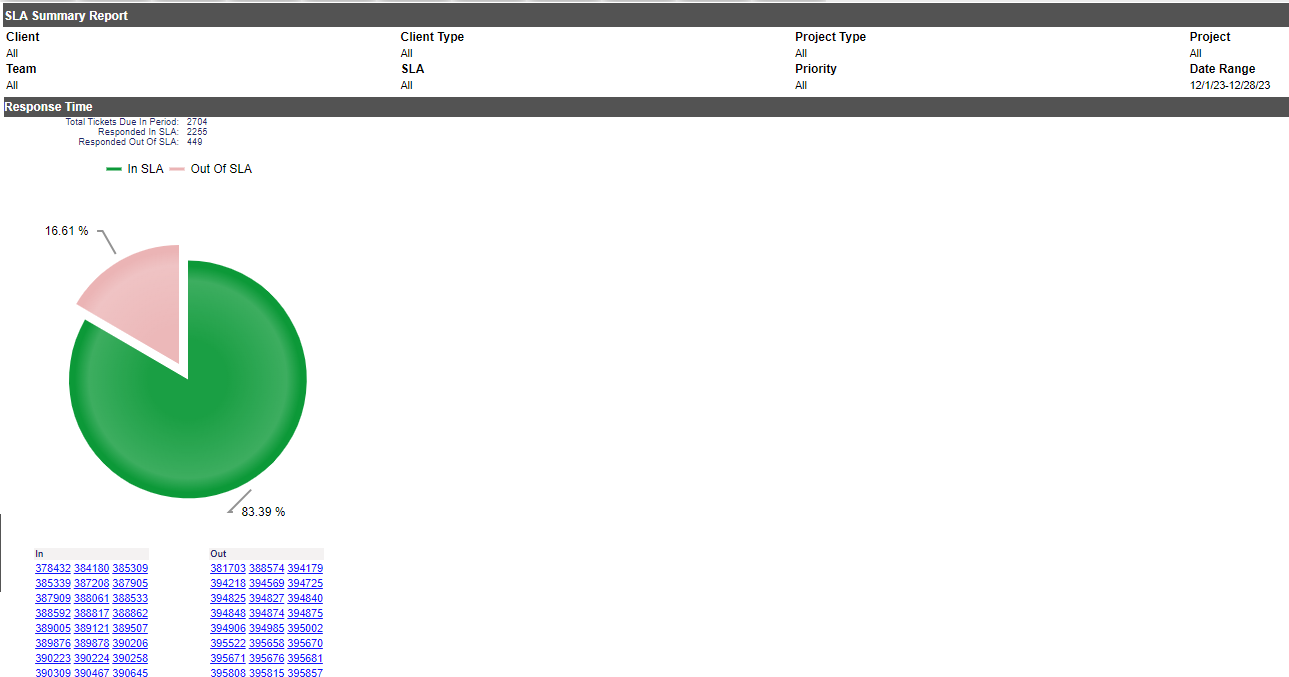
If you have the Service Level Manager module activated, this report shows how well staff are keeping to SLAs.
Left at the default selections, the report shows how well Response Times were met for all clients for the current month. You can check Resolve time as well, or both. If both are selected, the charts will be side-by-side on the page.
Select a client, and projects associated will be available in the Project drop down. You have the option of selecting multiple clients, however you will not be able to select projects
Other options to refine your report are:
Pre Defined Dates: Today, This Week, Last Week, This Month (default), Last Month
Start/End Date: To specify a date range outside the pre-defined dates.