Note: This report is only available if the Service Level Manager module is activated.
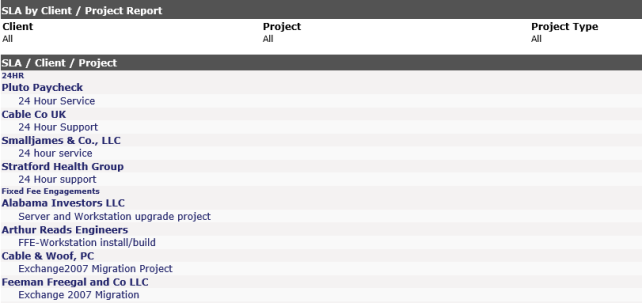
The report shows all SLA's in the system and sorts each by client and project. The default lists all clients, but you can select a specific client from the settings area on the left to see all projects for that client.
At a glance, you will be able to see if a project is in the wrong SLA group, needs to be moved to another area or if a new SLA needs to be created. You may print the list by using the Print View button on the screen.
There are no sortable columns in this report.