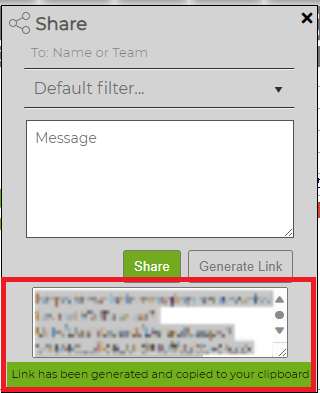
From the gray bar at the top of Slices, click on Share Icon

A dialogue box will appear, and you may do one of the following:
- Select the Revelation users you wish to share the slice with using the To: Name or Team drop-down menu. You have the option of choosing a Default Filter.
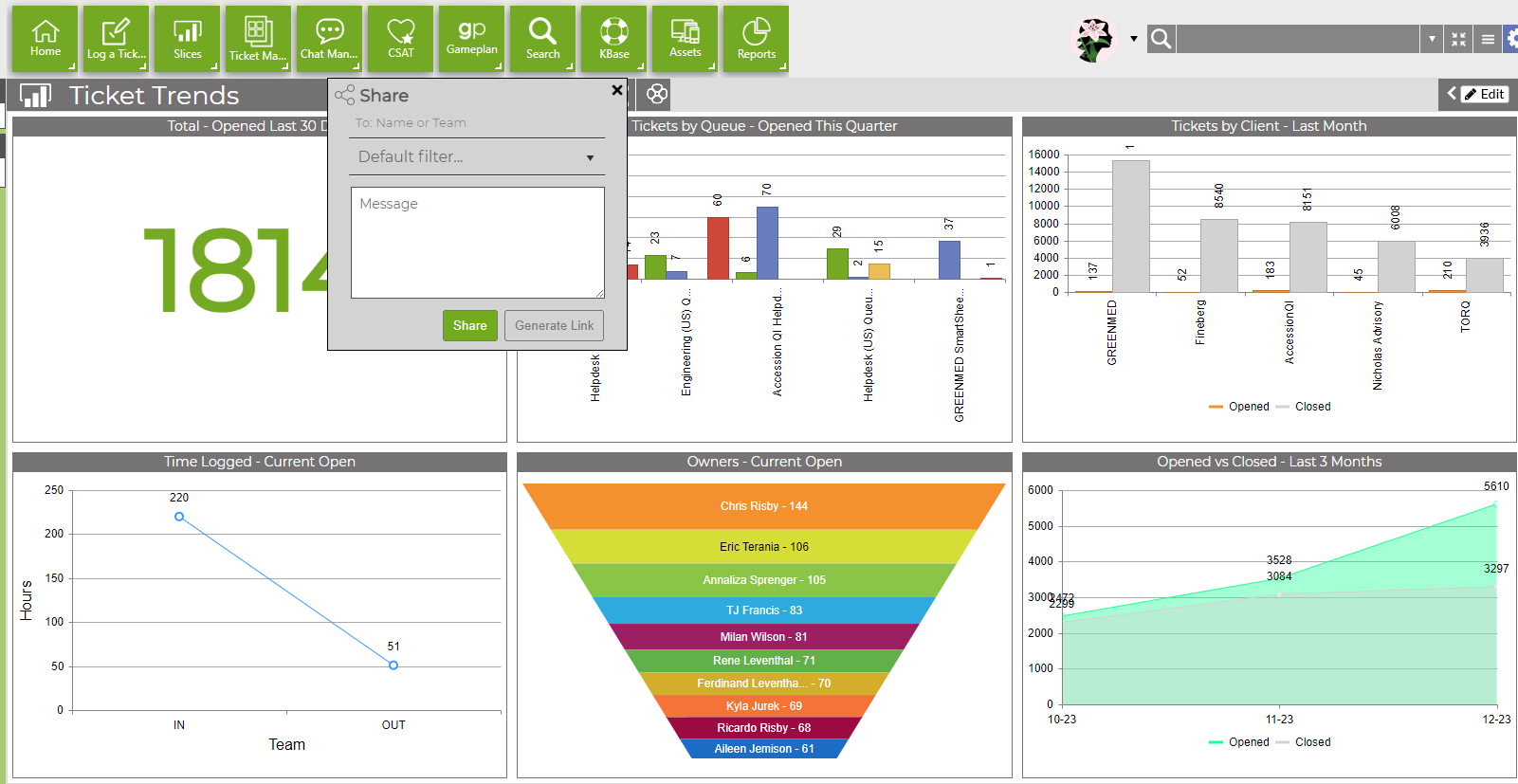
- Or generate a link to send.