Available to Cloud and on-premise customers, Email Action Templates provides a standardized email for specific responses through Revelation.
If templates are active, there will be a drop down of available templates at the top of the dialog box after you click on the envelope next to the client contact's name in the ticket. At the bottom of the list, separated by a divider, are available Quick Notes which can be added to the email instead.
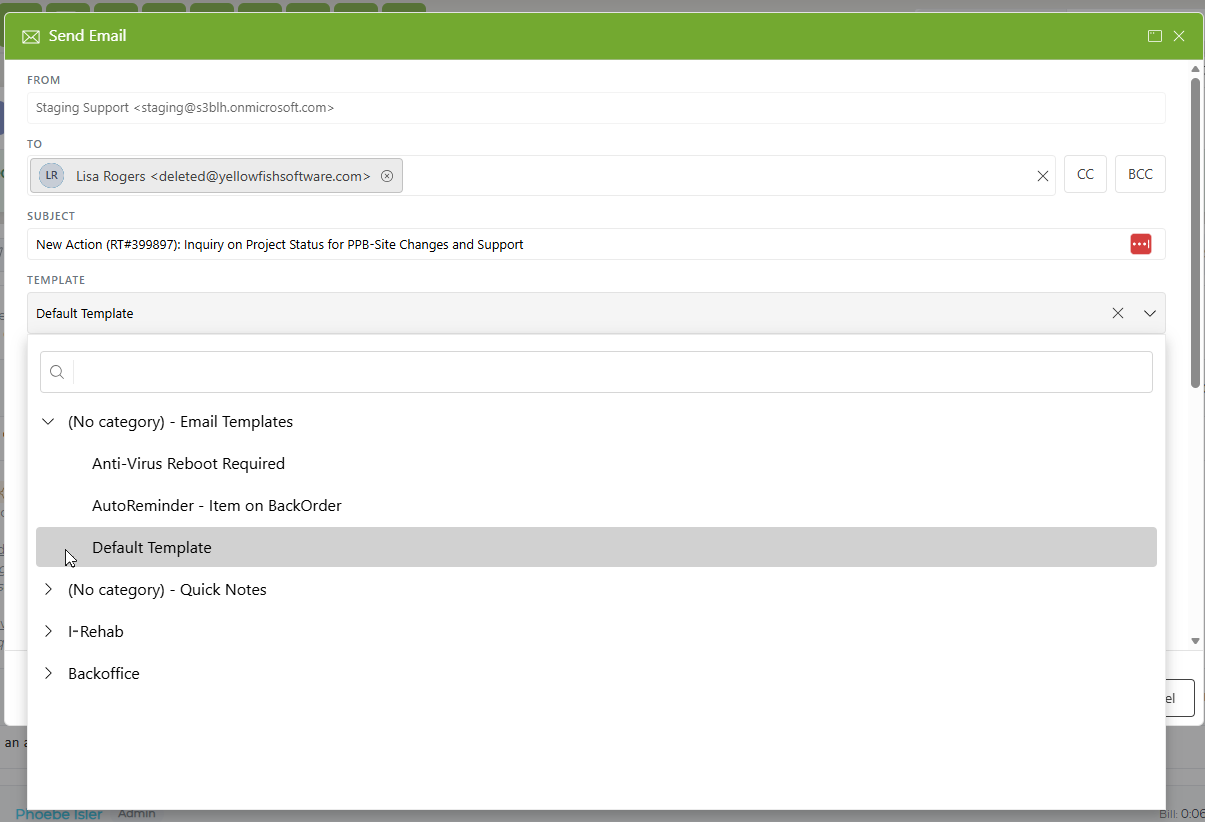
Select the appropriate template or Quick Note and the text will fill in automatically.
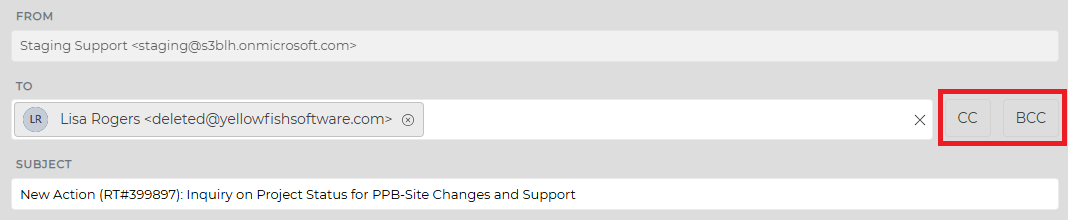
Within the email template screen, you can show or hide a CC or BCC field by clicking the appropriate button next to the To: field. If you show either field, it will show as open the next time you use the template screen. If you hide the fields, they will be hidden the next time you use the feature.