Note: This is only available if you have Self-Service active.
Settings
Set the default view of your end user's home page to either the standard homepage grid, or the Slices view.

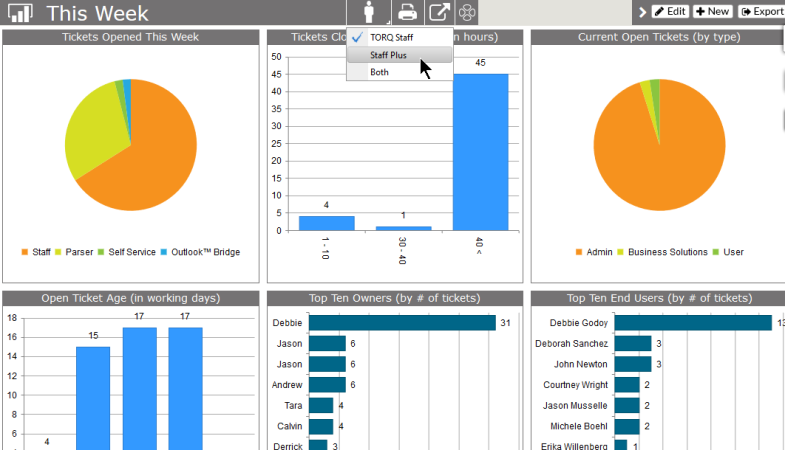
- Show Staff Plus Option - If the client has a Staff Plus users, this allows any dashboard with SLA data to show the information by your staff, Staff Plus users or both. Not available if SLA is not active.
Slices
To add Slices to your client's home page:
- Click on the Slices tab
- Click on New at the top,
- You'll see the same type of grid as if you are creating Slices for yourself
- Select the Slice options you want your clients to see.
- Name the View
- Select the Project Types. This will determine which client sees the Slice.
- Select the Status
- Published will be visible on the selected clients' home page
- Draft will be saved but not visible to client.
- Archived moves a Slice out of regular view without having to delete it.
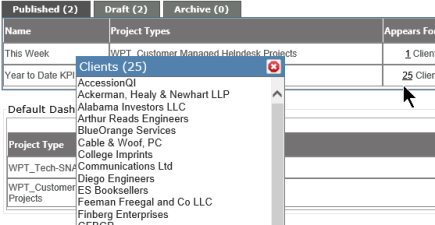
Click on the number of clients, and a drop down will appear showing which clients have been added to that particular Slice.