To save a report in Report Builder, create your settings as you would in a Classic Report, and click on Save Report in the upper right corner of the screen.

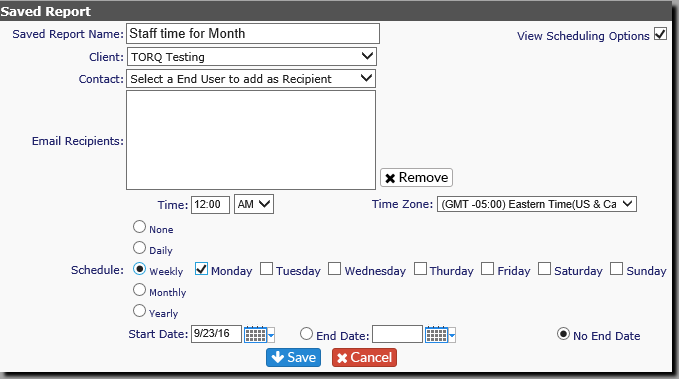
You'll get another dialogue box in which to create a Saved Report Name

You also have the option to schedule the report to run. This is the same as Scheduled Report Delivery for Classic Reports.
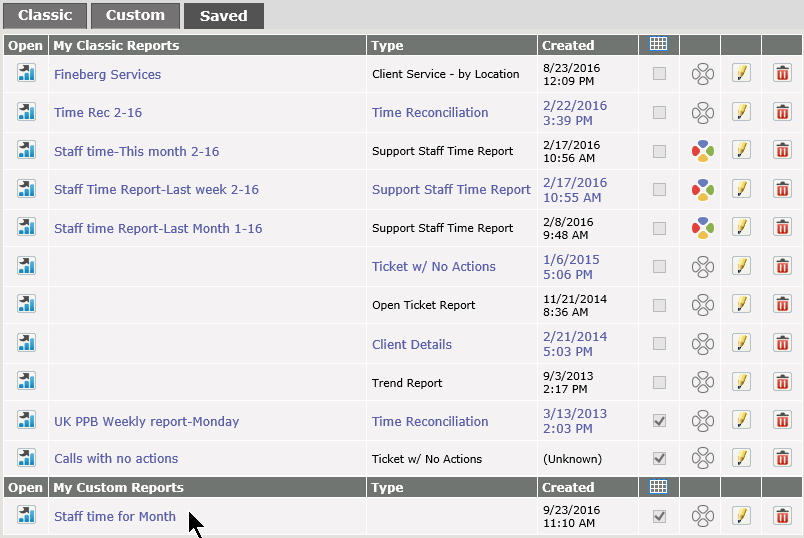
To view a list of saved reports, click on My Saved Reports on the left of the Reports Screen. Any reports saved from within Report Builder will be on the Report Builder Reports tab.