
When you click on the Reports button in the Masthead area, you will see a splash screen. By clicking on any of the icons, you will be take directly to the appropriate item.
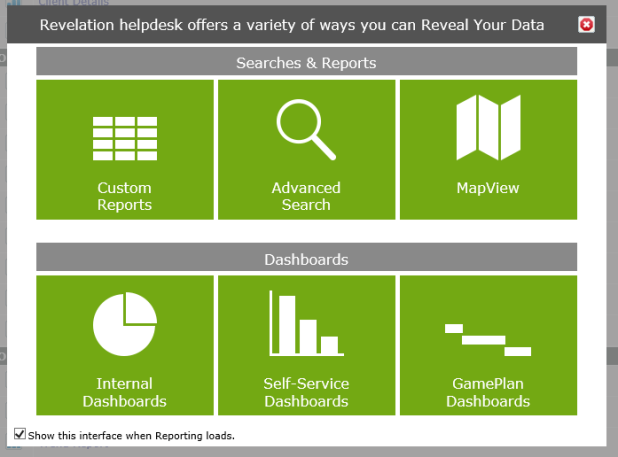
By unchecking the box at the bottom of the screen, you can stop the interface from appearing when you load Reports. This can be reset from the Your Staff settings, which can be accessed from the Personalized User Settings on the home page.
Note: The Splash Screen follows the Transparency rules; if something is not active in your copy of Revelation helpdeskor if you are not authorized to see it, you will not see it on the Splash Screen.,