
When multiple users are viewing the same Ticket, a heading will appear above the Ticket toolbar that displays the initials of each staff member currently in the Ticket. Each user's initials will appear in different colors.
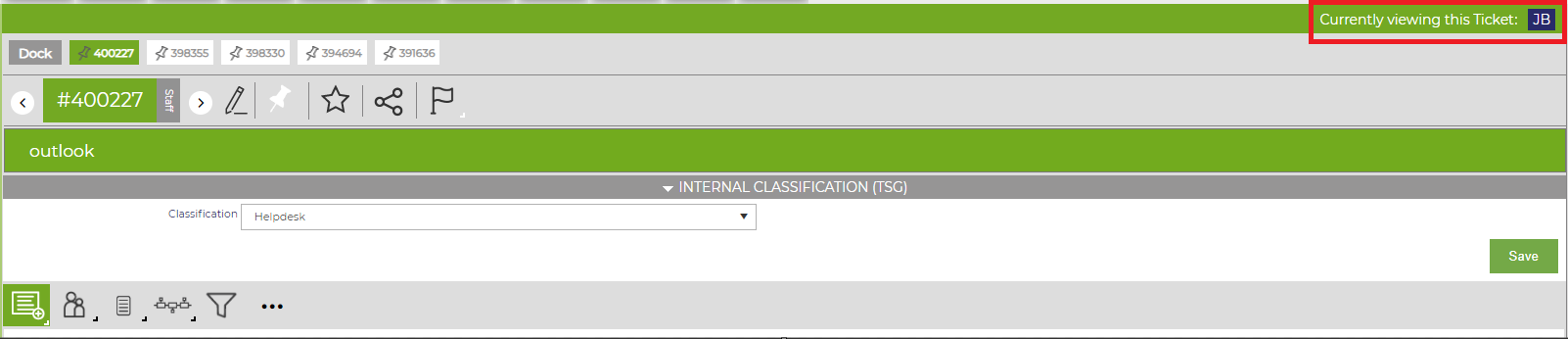
By hovering over each set of initials, Revelation will show the staff member's name.

Note: To activate this feature, visit the Tickets Details Configuration page in the Help Guide; or click here.