
Once you have set up your Report, you can preview the results.
Click on the Preview button below the list of selected fields.
This will return an abbreviated version of your full report - only 30 rows based on your selections and parameters.
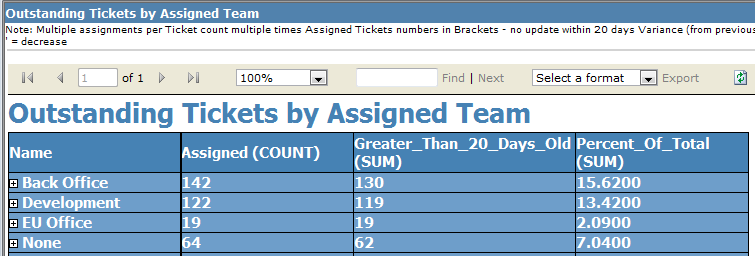
This will allow you to see if your parameters show the information required. If not, simply close the screen and continue editing. If the information meets your needs, you can continue to the Final Steps.