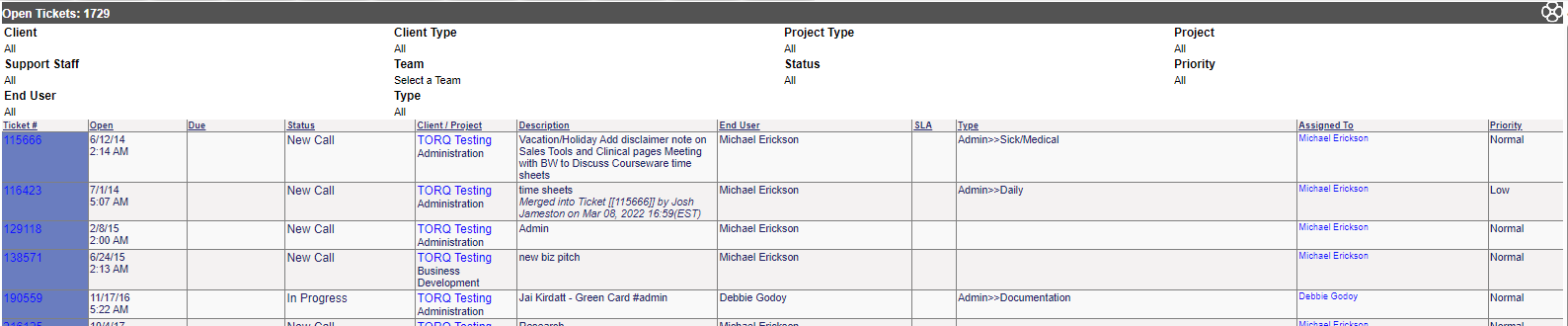
Allows you to filter open tickets by criteria.
The options for this report are as follows:
Client Type: Select from the drop down or leave at default
Client: Only one client can be selected at a time. If left at the default, all open tickets will display
Cost Center: Select from the drop down, or leave at default for all.
Team: Select from the drop down or leave at default
Assigned Staff: To search by specific staff member. Leave at default for all staff.
Ticket Type: Select from the drop down or leave at default
Sub Type:Select from the drop down or leave at default
Ticket State: Select from the drop down or leave at default
Priority: Select from the drop down or leave at default
If a specific client is selected, you will also have the option of the following to narrow the search:
Project: Select a specific project or leave at default for all open projects
Client Contact: Select from any of the contacts available in Revelation, or leave at default for all