
Once you select the tickets to be edited, click on the Multi Edit button (pencil) at the top of the screen.

You will then see the following:
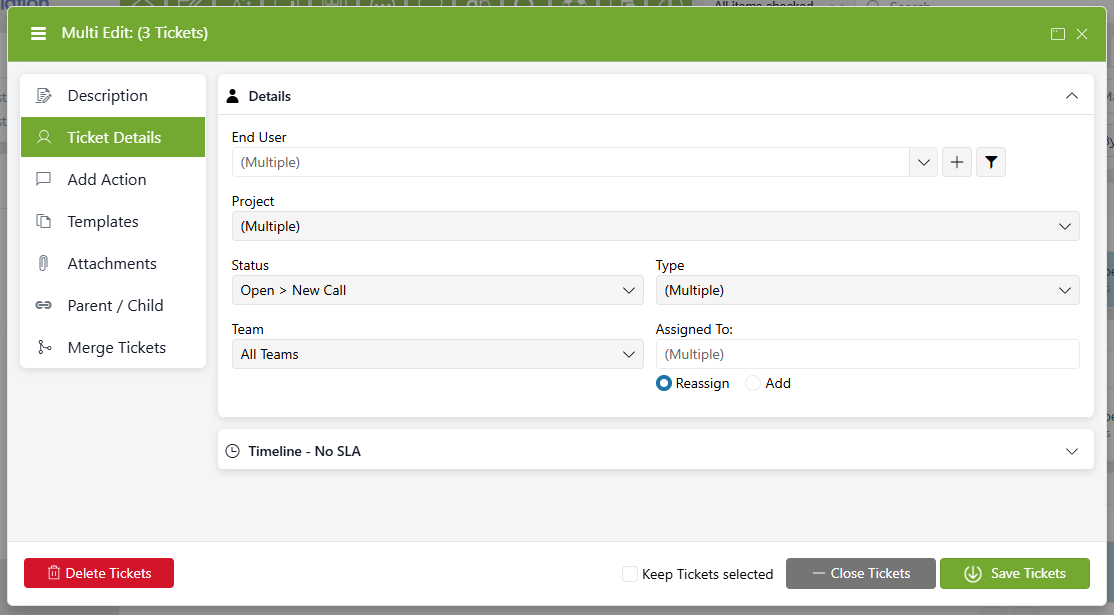
Across the bottom are buttons which will be visible when in Multi Edit:
|
Save |
Saves the changes you've made in any and all tabs |
|
Close |
Closes all tickets selected |
|
Delete |
Deletes the selected tickets. When enabled, only Admins will see this button |
This section will describe the options for each tab: