
Bulk Ticket Delete
If Bulk Ticket Delete has been enabled by an administrator, you can delete multiple tickets at once using Multi Edit.
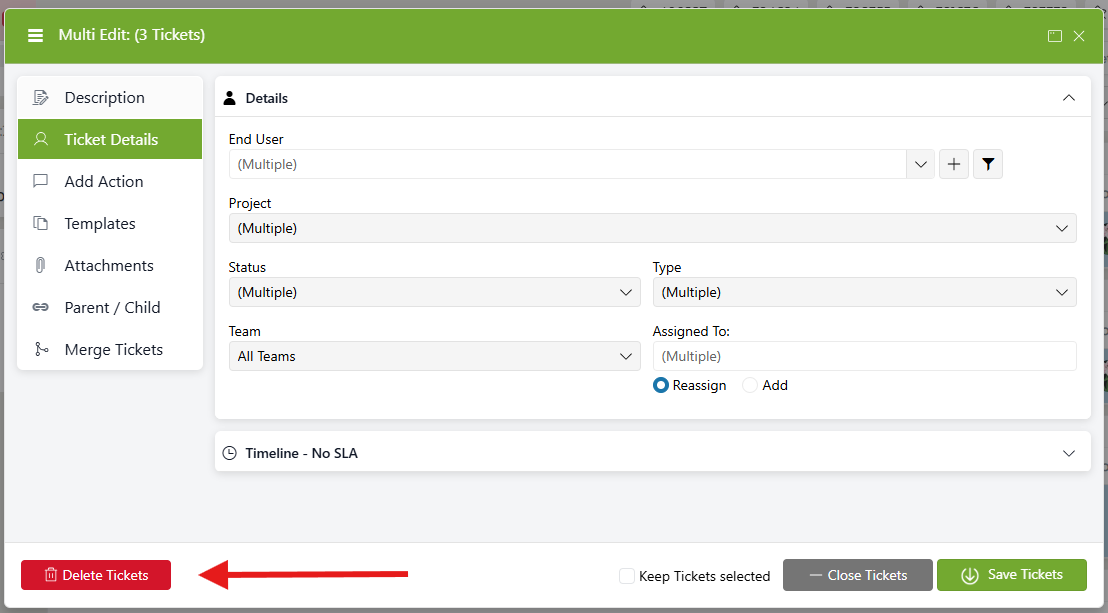
From the Home Page, select the tickets you want to delete and click the Edit button in your ticket toolbar. Click the Delete Tickets button to delete the selected tickets and follow the prompts to confirm the deletion.
NOTE: Bulk Ticket Delete must be enabled by an administrator before this option is available.