Login
Once the app is installed, in the Revelation helpdesk Chat, you will be prompted to sign in to use the bot. Click the Sign In button.

When you click Sign In, paste the specific URL for your instance of Revelation helpdesk into the appropriate field to reach your Revelation log-in page.
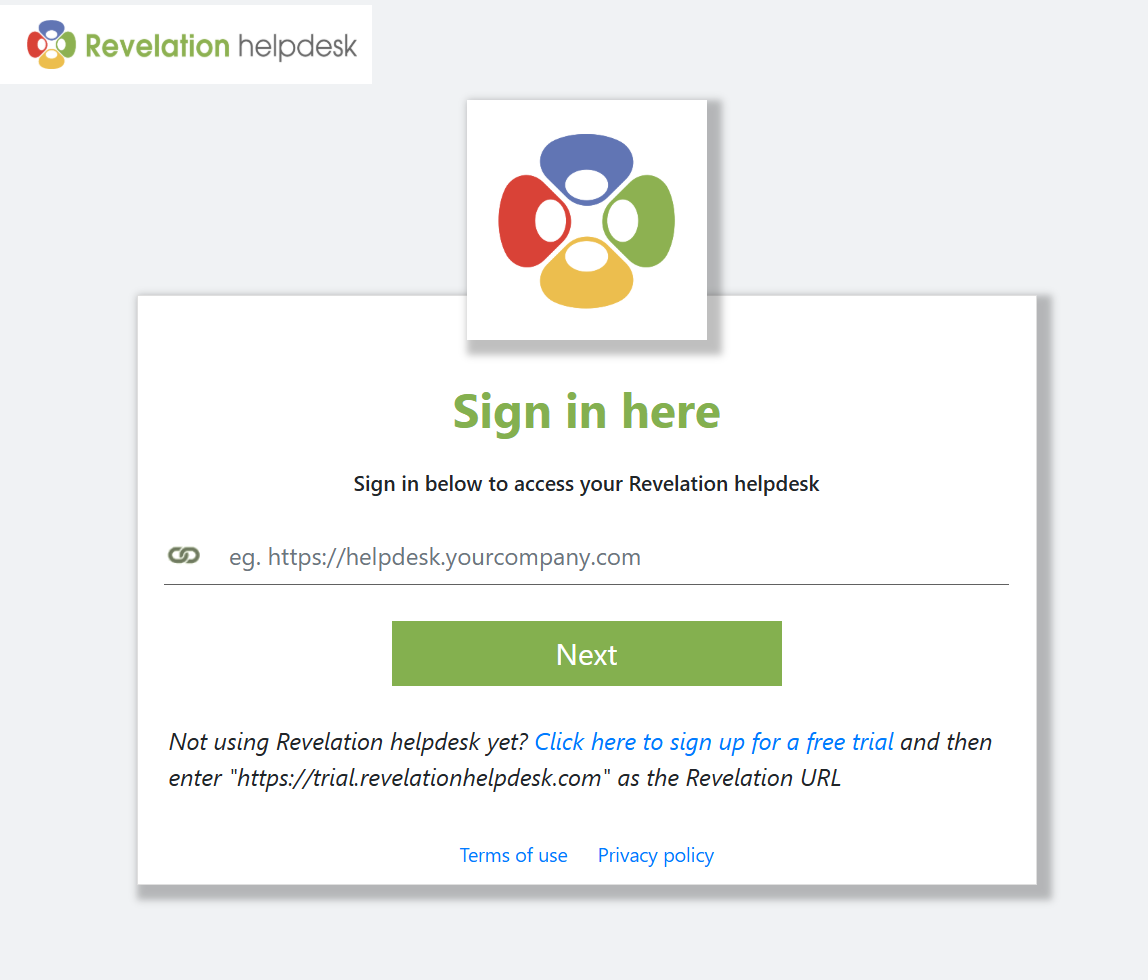
Next, you will be asked to log in to your Revelation helpdesk instance.
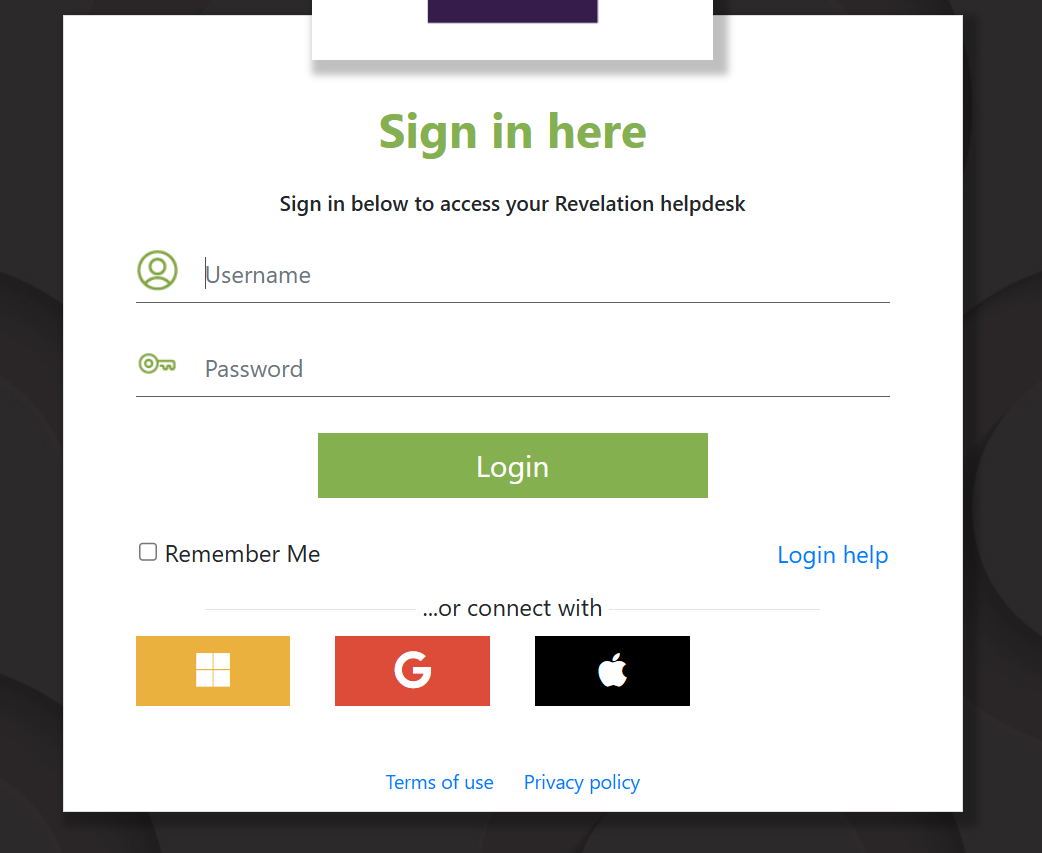
If you have credentials:
- Username: Your login ID
- Password: Your password
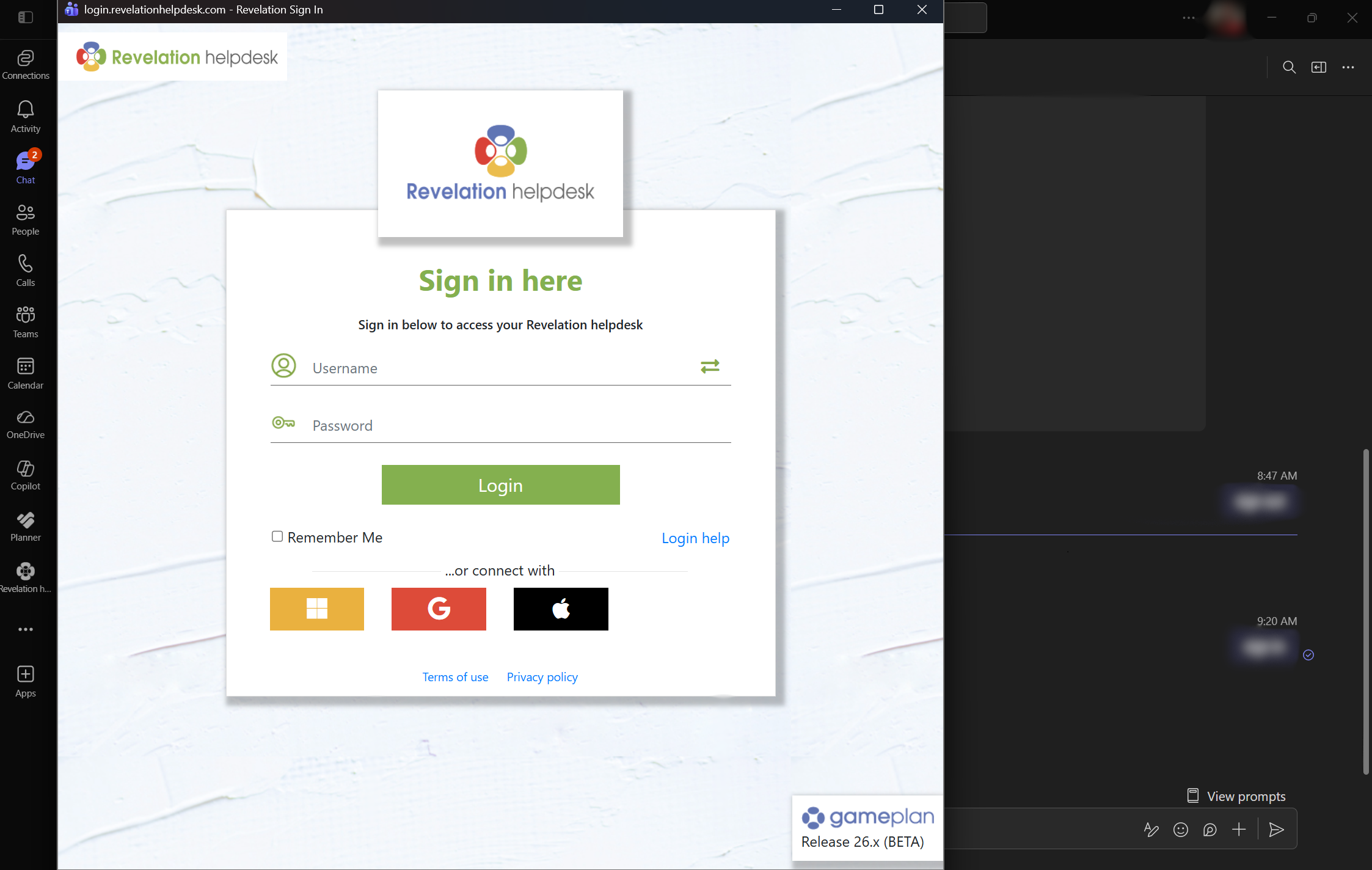
NOTE: Revelation’s Microsoft 365 app supports Teams dark mode and will automatically adjust based on your display settings.
If you use SSO:
Select the supported SSO option your organization uses and follow the usual prompts to sign in:
- Microsoft
- Apple