
There will be a public area where report templates are published. These reports may be of use to your organization and, as such, you can import them into your copy of Revelation.
PLEASE NOTE:The Revelation .rdlc format is proprietary to YellowFish Software and it is the only file type supported by the Import File feature for Report builder. This is to take every precaution to prevent malicious code from being imported into your copy of Revelation.
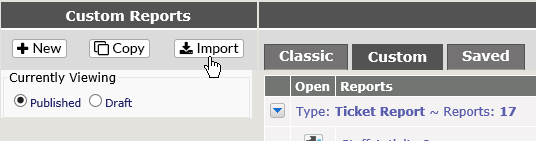
To import a file into Report Builder, click on Import from file at the top of the Report Builder screen.
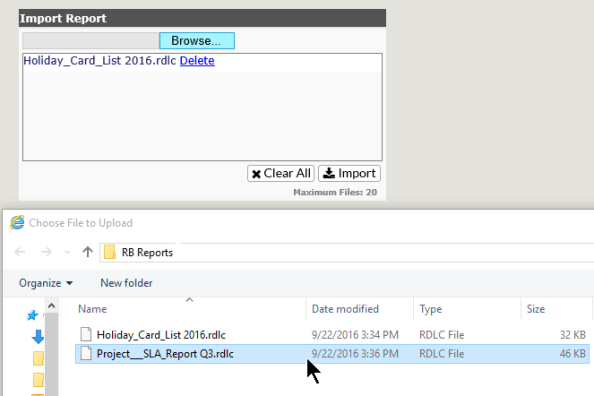
Click on the Browse button to search for the file you wish to import. You can import up to 20 files at a time. As you select the files, they will be added to the box below the Browse button.
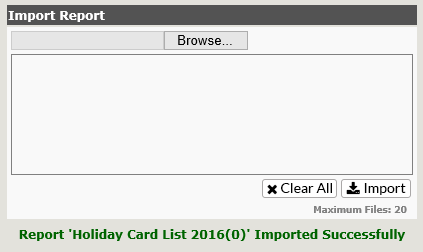
You will receive a message when the reports have imported.
The reports will then appear in your list of reports in the Report Manager screen and are now ready to be edited as needed.