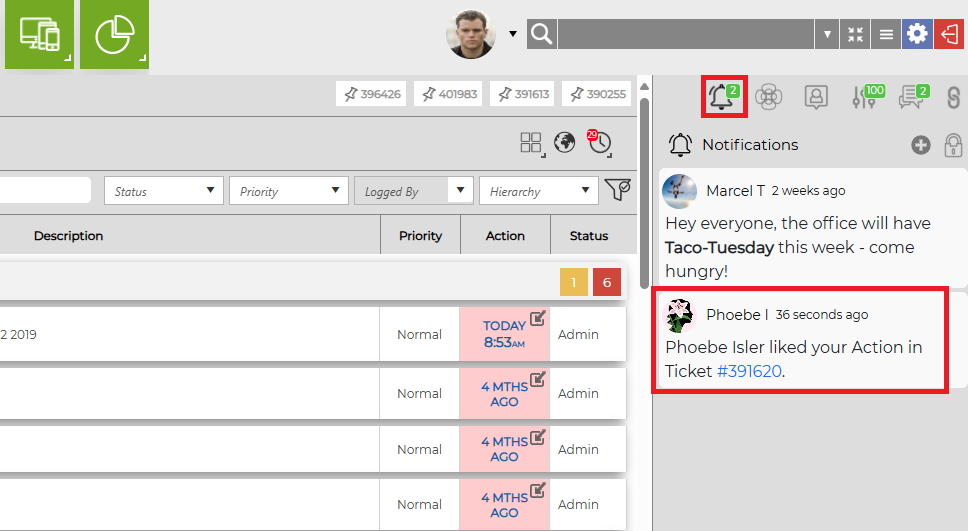
On the right side of main Masthead is your Notification Feed. This is a running, real time tab of messages, reactions, and tags that are relevant to you and your team. It is visible from the Home Page, as well as when logging a ticket, looking at a ticket's details, and using the Search functionality. When a notification is received, your feed will appear like this:
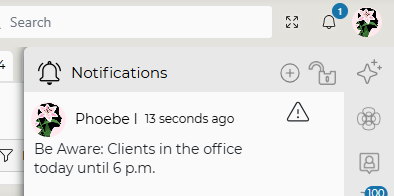
When your Notification window is not open, you’ll see the bell icon. Revelation will show you a notification badge that indicates how many unread notifications you have.

If the Notification Feed option is active in Revelation, you will be able to communicate, share information, and like action notes within the system, but outside of tickets. You will be able to post and view messages internally which relate to ongoing support issues you and your colleagues should know about.
Reactions and Likes
When this feature is turned on in the Workspace Configuration section, users will have the ability to "react" to an action note, alerting the author of the note with a Notification.
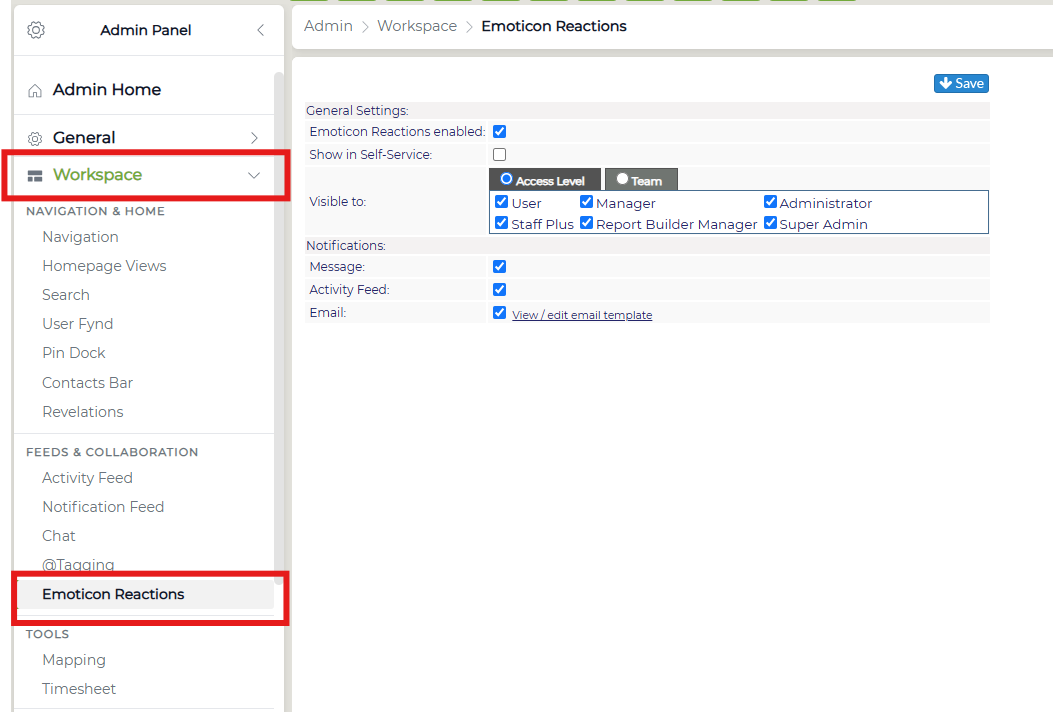
You can enable the option for actions to be reacted to in the Emoticon Reactions section, as well as enable End Users to view the actions with reactions.
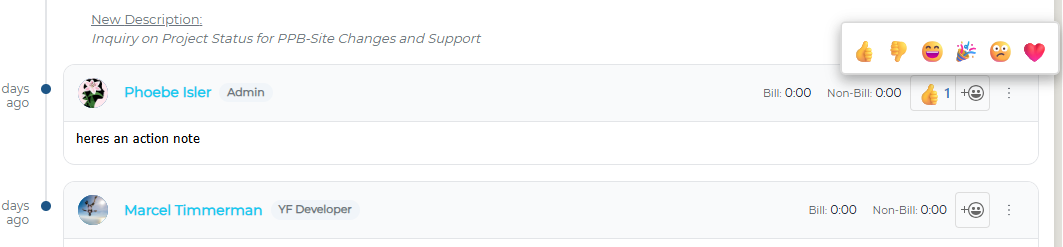
You can react to an action by clicking the emoji button 
It will then display in the end user's Notifications window.