Standard Views
Revelation helpdesk ships with the following Views:
|
View/Description |
View |
|
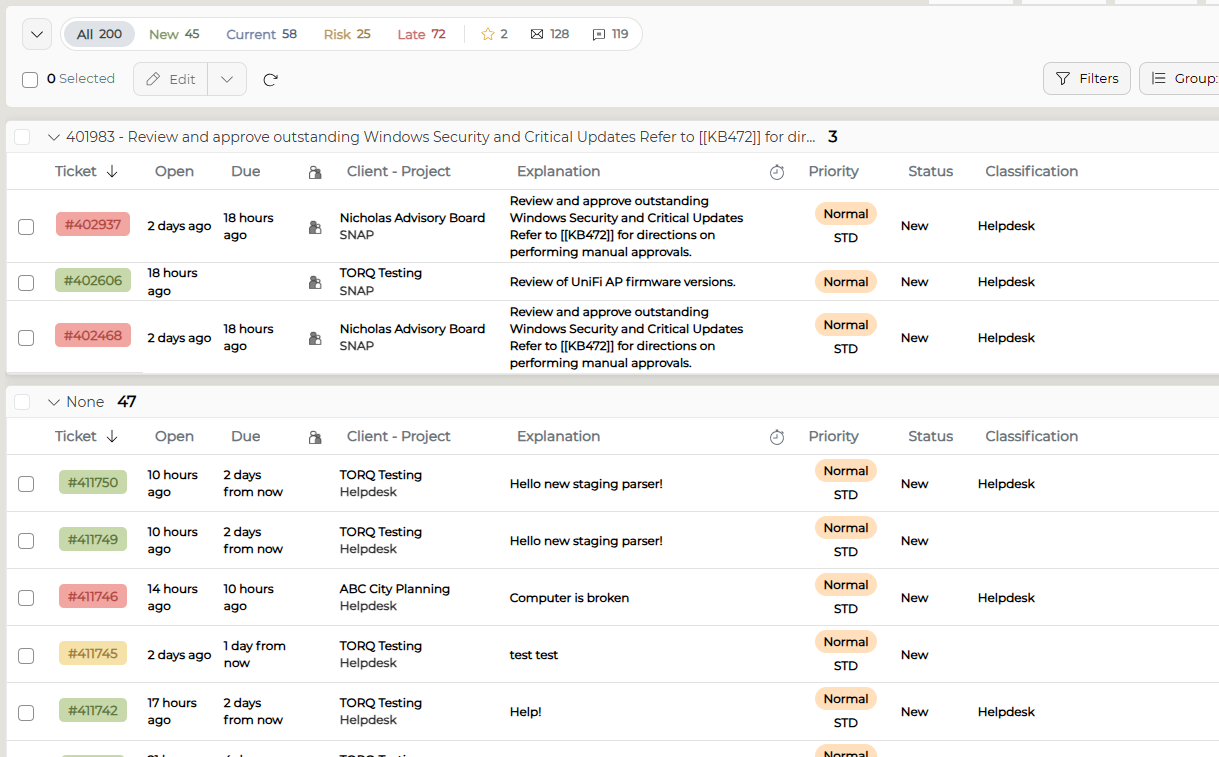
By Parent - Groups tickets by Parent/Child status. If no Parent/Child status applies, Revelation groups tickets under "None". |
|
| By Response - Groups tickets by response due date. | 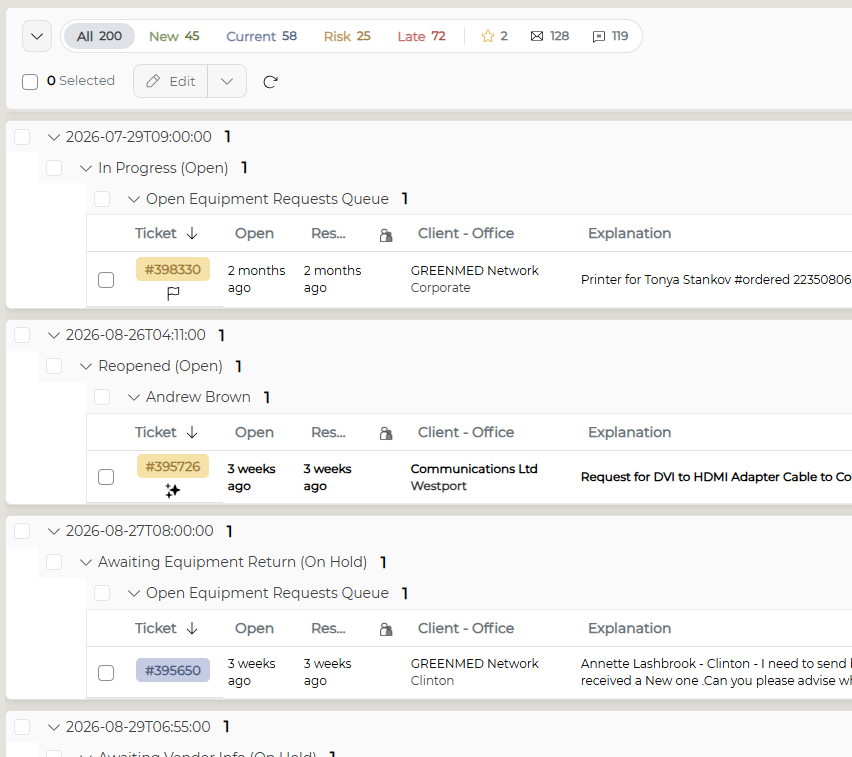 |
By Classification - Groups tickets by Classification Type. NOTE: Classification types are configured by your System Administrator. | 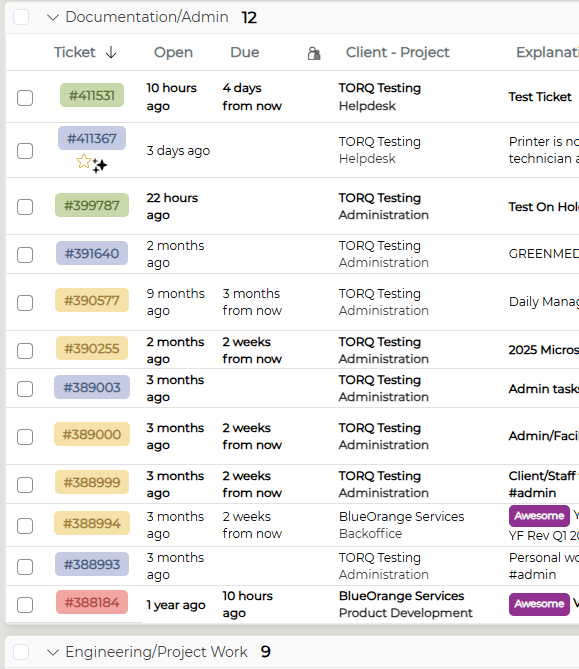 |
| By End User - Groups tickets by end user in alphabetical order. | 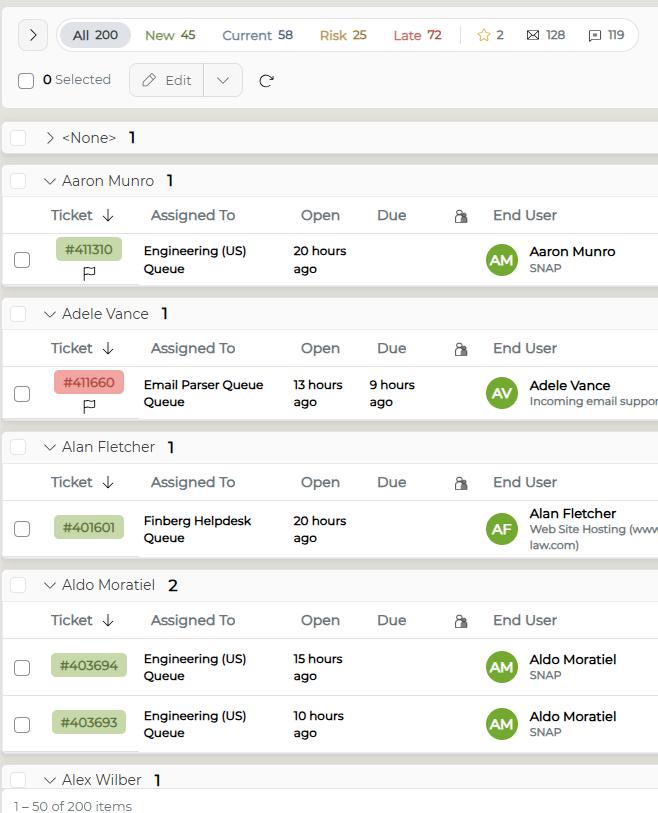 |
| State-Client - Groups tickets by State (New, Current, Risk, Late) with subgroups for each client. Clients appear in alphabetical order. | 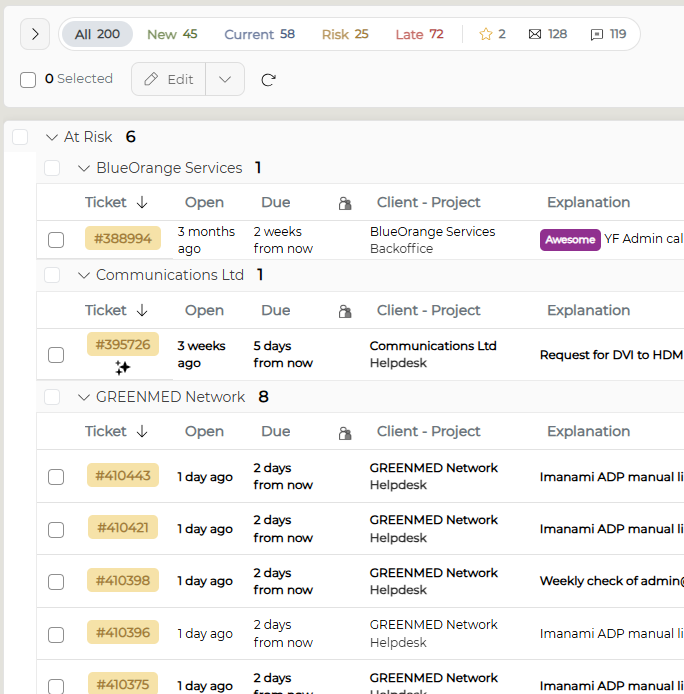 |
Assigned To - Groups tickets by internal ticket ownership in alphabetical order NOTE: If multiple staff members are assigned to the same ticket, that ticket will appear within each staff member's group. | 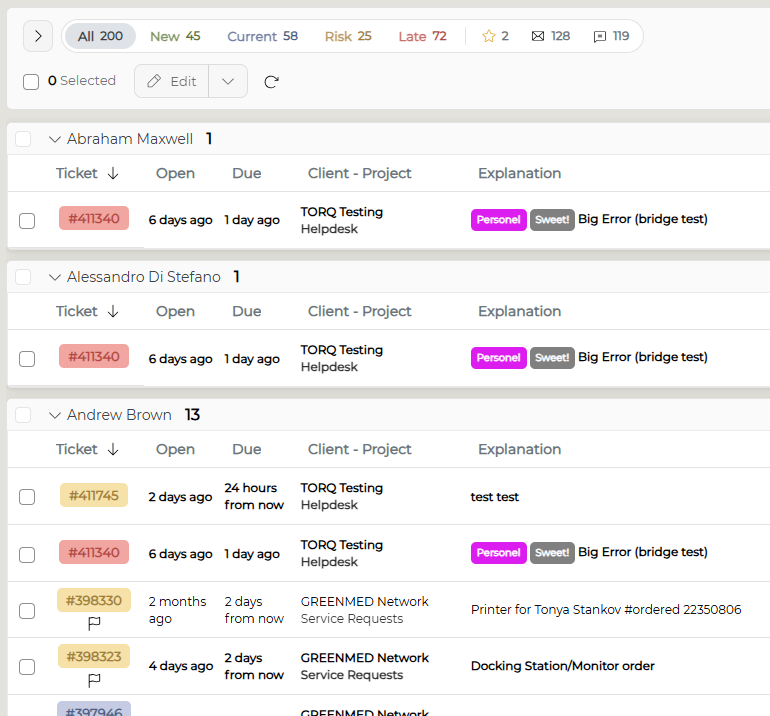 |
| By Client - Groups tickets by client in alphabetical order | 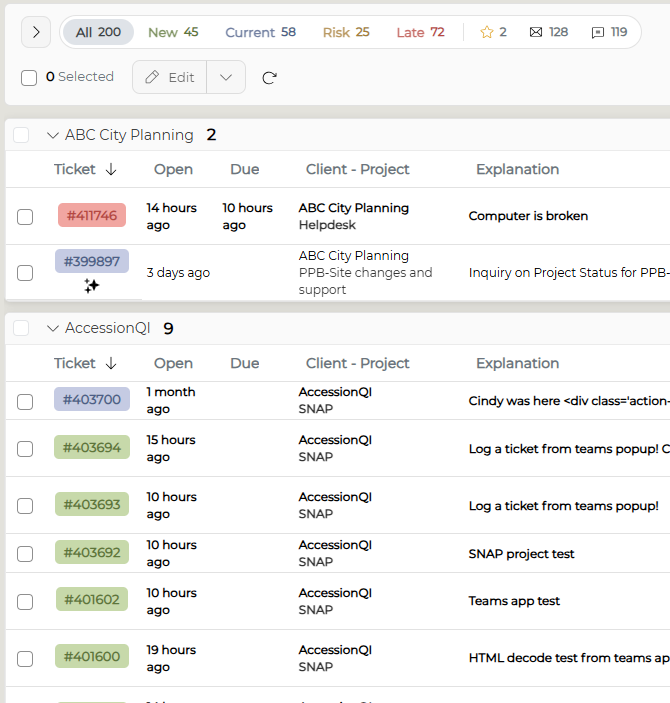 |
By Due Date - Groups ticket by resolution due date NOTE: Groups are labeled with friendly date language (Today/This Week/This Month/Next Month/Future etc.) - this cannot be changed. | 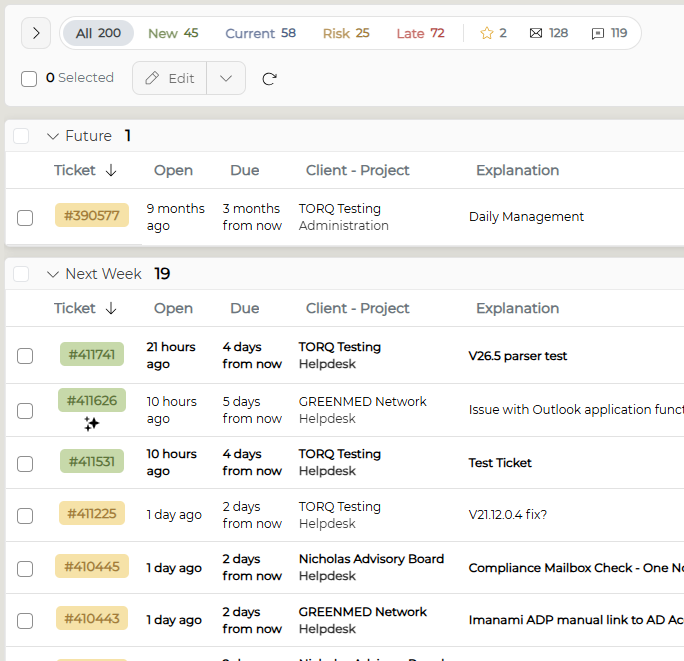 |
| By State - Groups tickets by state (New, Current, At Risk, Late) | 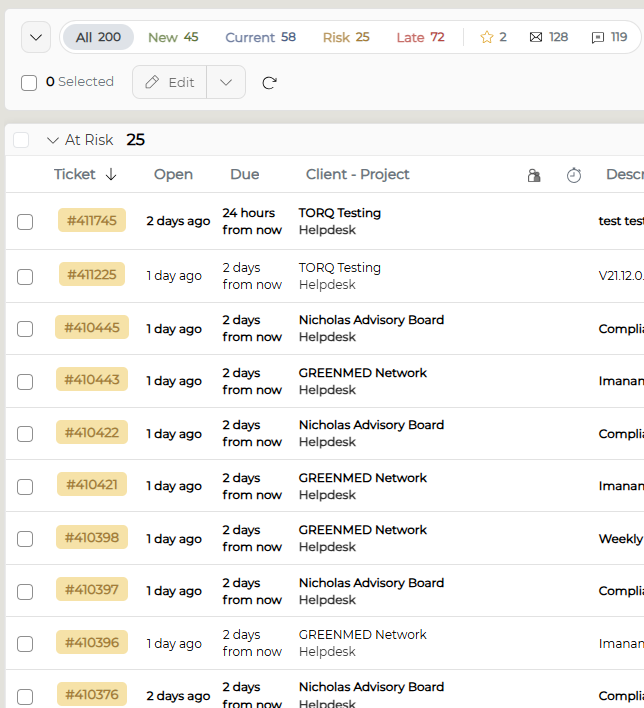 |
By Status - Groups tickets based on status NOTE: All status options must be configured by a System Administrator | 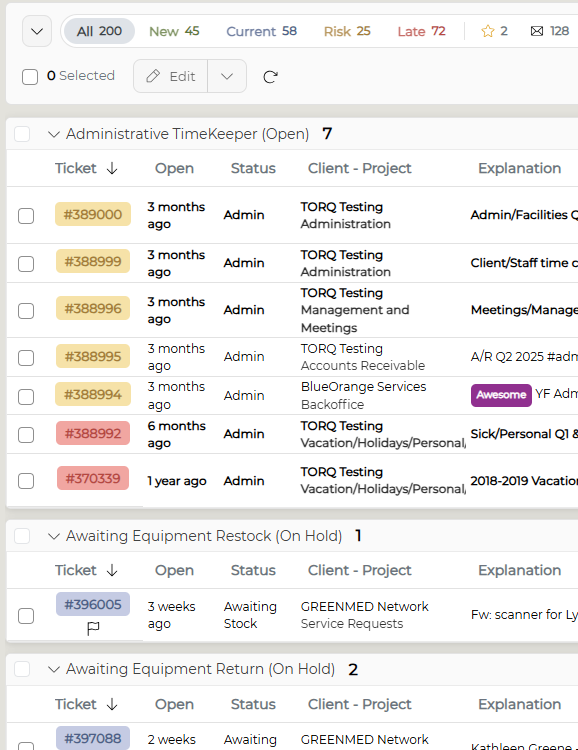 |
|
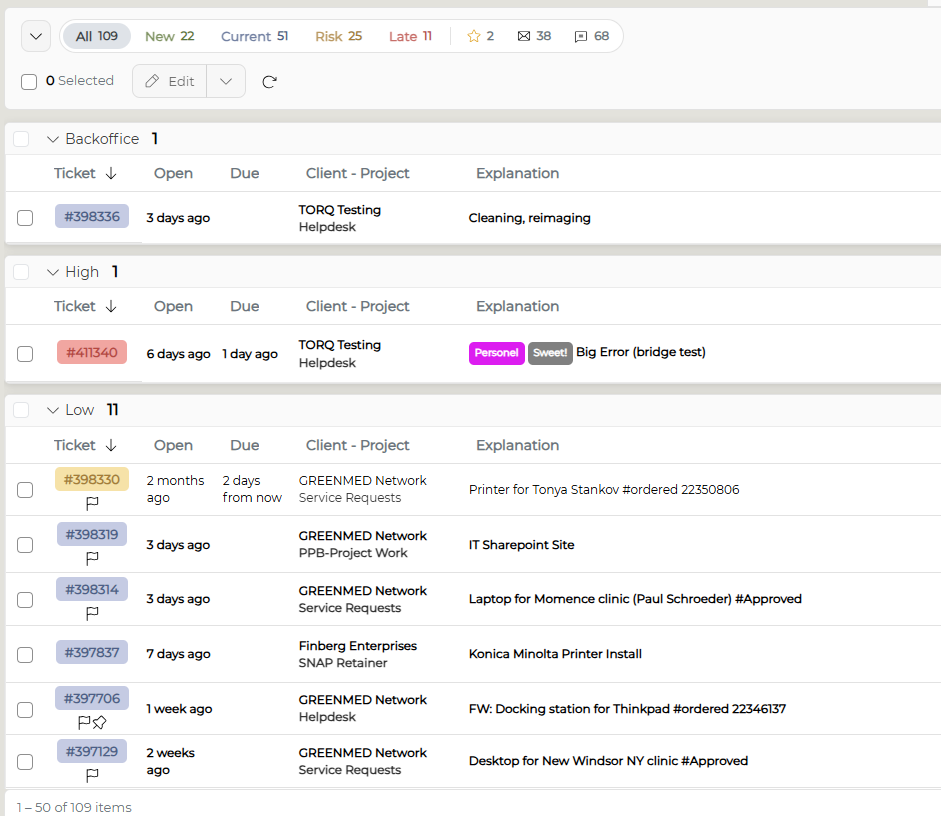
By Priority - Based on the priority set on the tickets |
|