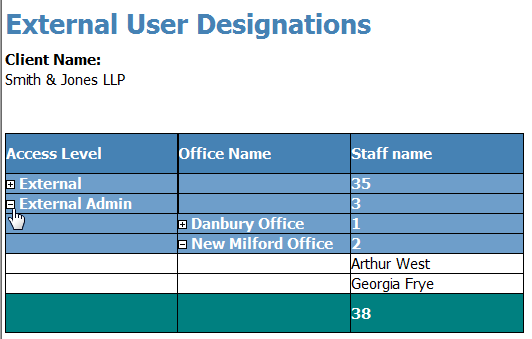
Report showing who from a client is designated an External User or External Admin by location.
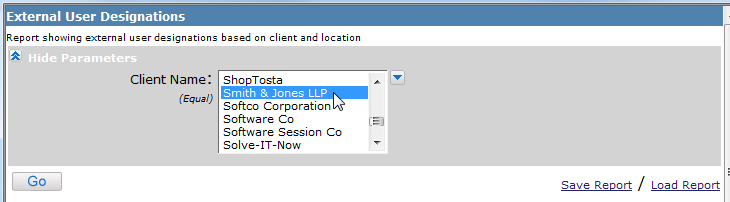
From the drop down, select the client or clients (using the down arrow and the Ctrl key). Click on Go.
Once the report has run, you can expand the access level and the location to see who is authorized on each designation for the client.