
You can export a Report Builder report to send to another Revelation client or so you can edit an existing report without making changes to the original report.
From the Report Builder Manager table, choose the report you wish to export

Click on Export. You will be asked if you want to open or save the file. It should be saved to an appropriate location, and given a name you will remember.
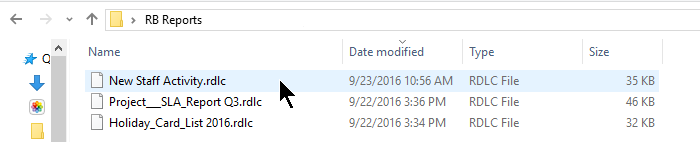
To make changes to the report, import the file using the instructions in Import a file.