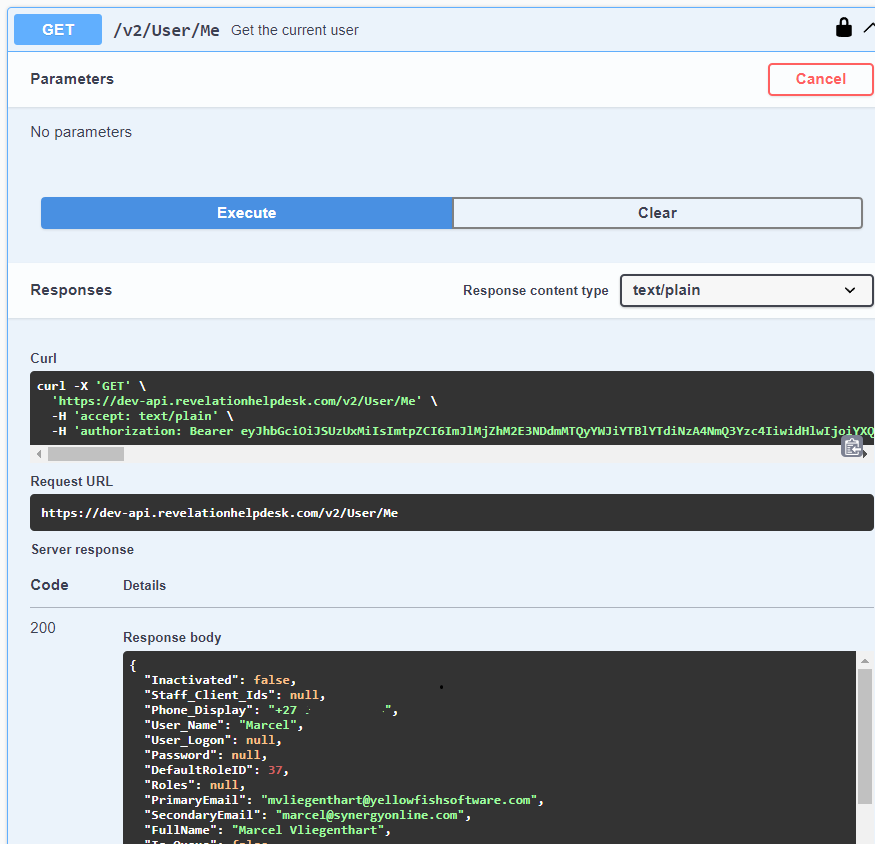
Execute endpoints in Swagger UI
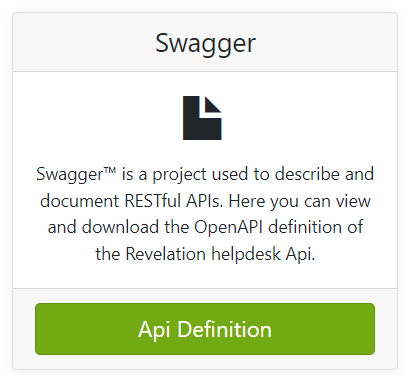
There are many API endpoints that can be called to retrieve, update and delete resources in Revelation helpdesk. For a full list and descriptions of each endpoint with examples, click on the “API Definition” button in the Revelation helpdesk API dashboard.
Authentication
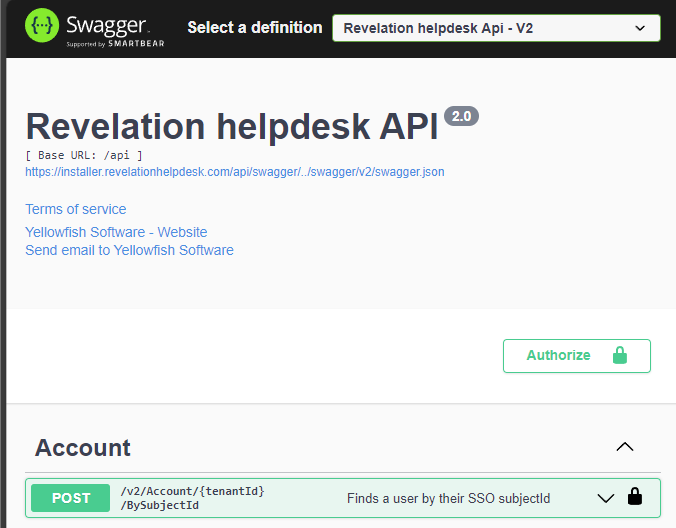
You can execute endpoints directly in the Swagger user interface, to do this click the “Authorize” button to generate an access token.
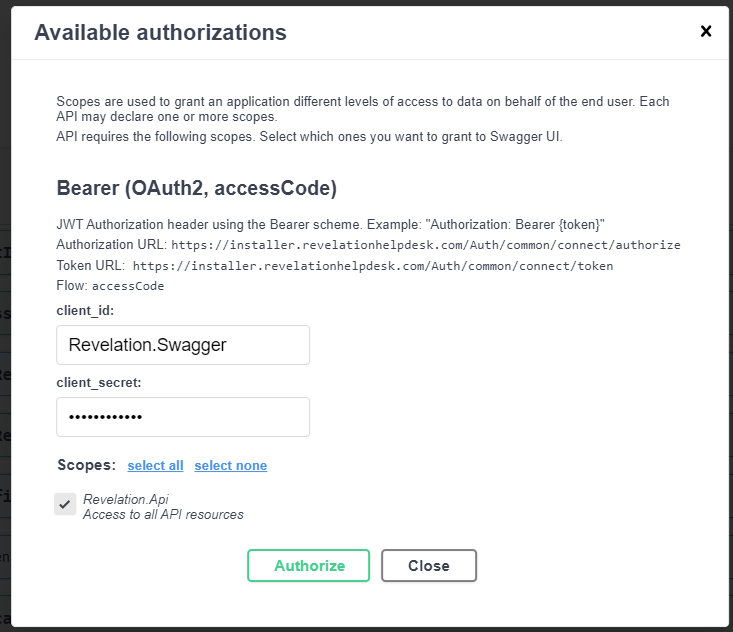
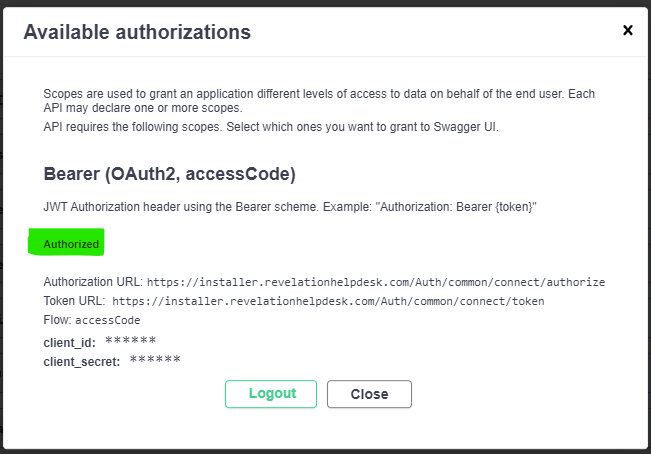
This will bring up the Authorizations popup which will be pre-populated with a pre-defined client_id and client_secret. Simply click “Authorize” and you will be prompted to enter your Revelation helpdesk URL and then login with a Revelation helpdesk user account.
After successful login you will see “Authorized” in the authorization popup. Click “Close” to see the list of available endpoints.
Execute an endpoint
Review the list of available endpoints and choose one to execute. A good example is the /v2/User/Me endpoint which will return your user details. To execute this endpoint, click the “Try it out” button (top right) and then click “Execute”. Here is an example of the data that is returned.