
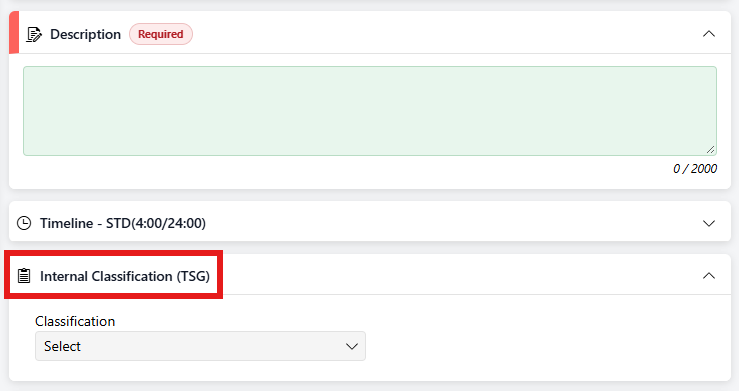
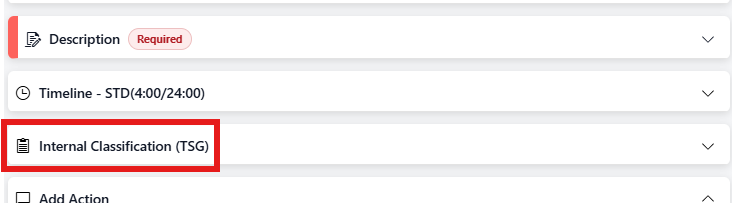
When you log a new ticket, you may see a drop-down under the Description box. This is set up in the Admin area. Whether or not the form is expanded can also be set in the Admin area.
(Expanded view)
(Collapsed view)
The information in the form may be required before you save the ticket on being logged, or it may be required before the ticket is closed.
In the ticket, the custom form will be just under the Ticket Description. The form can be expanded or collapsed by clicking on the arrow next to the title of the form.
Different custom field types include fields where information must be typed in, drop downs with selections specific to the form, time and/or date categories, etc. Revelation will tell you what information is required above the field.
NOTE: Any required fields must still be completed even if the form is collapsed. If you forget to fill them in, Revelation will highlight the required sections to let you know what is missing.