
-
Click on Build a new report
-
Name your report, and include a description
-
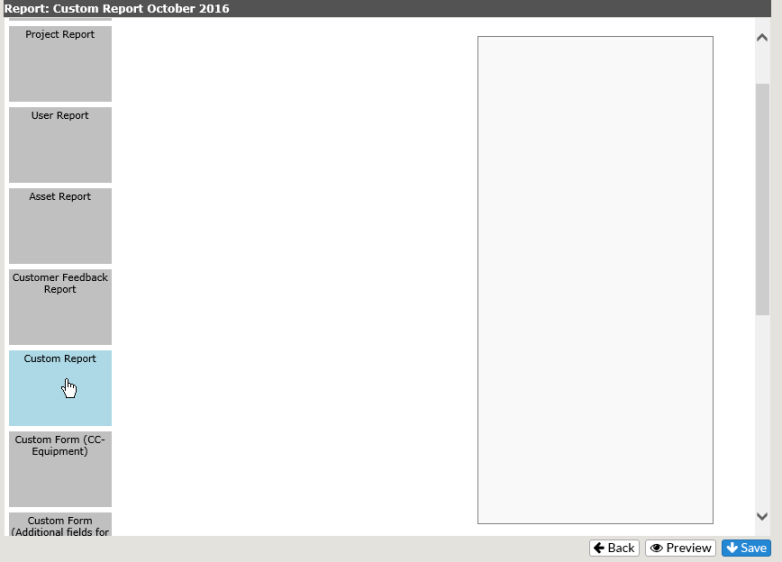
Choose Custom Report in the Category list
-
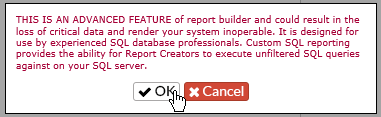
You will get a warning notice
-
Click OK
NOTE: This option requires a knowledge of SQL programming and should only be used by experienced SQL database professionals. However, if you don’t have a SQL professional on staff, YellowFish Software can assist in the creation of a Custom Report for use within Report Builder for an additional fee.
-
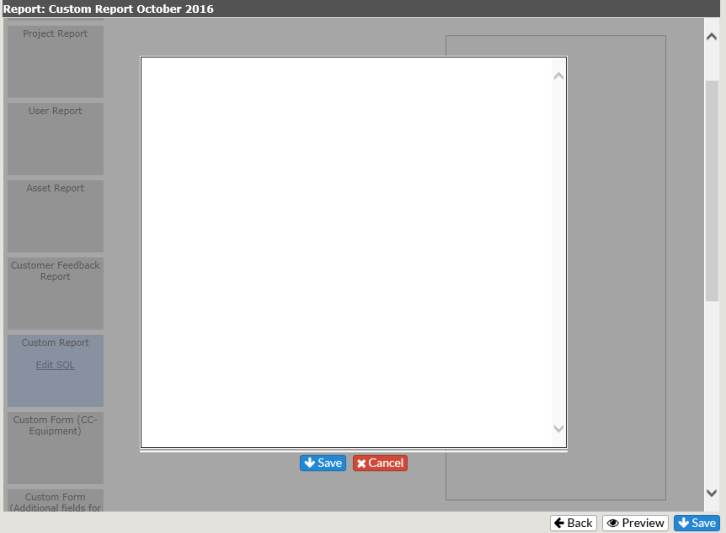
Code your custom report in the box provided
-
Click on Save to keep your report, Cancel to delete