
There may be a report already within Report Builder which is close to what you want to create. In this case, it may be easier to copy the existing report and make modifications.
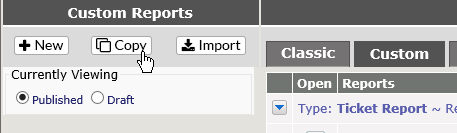
To copy an existing report, click on Copy Existing from Report Builder
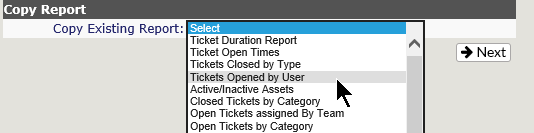
A drop down list will appear – select the report you wish to copy and click Next.
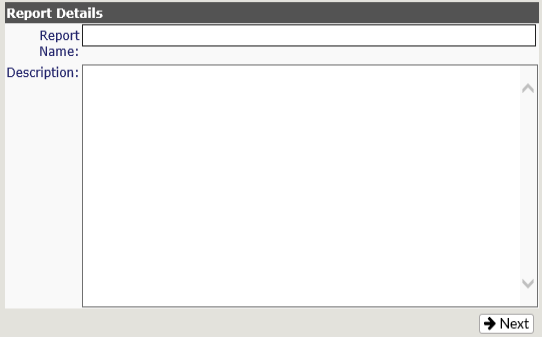
You will see the dialogue box you get when you create a new report – fill in the new Report name and description and click Next.
If you think you may have chosen the wrong report, click Back to return to the drop down list and select the correct report.
When you click next, you will see the specifications for the report you selected from the drop down. You will then be able to modify the report as needed.