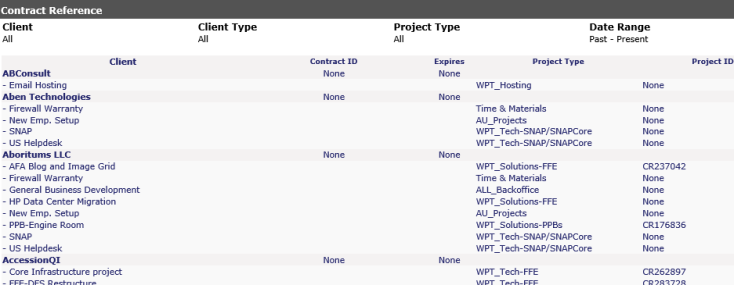
If your company has contracts with your clients, you can track the expiration dates from this screen. The default view shows all clients listing the Client and Project Name, Contract Reference, Expiration Date, Cost Center and Project Reference. Specific clients and cost centers can be selected by clicking on the arrow next to the pull down.
From this screen, if you click on any of the client names, it will bring you into the Company Information screen. Listed under the company name, if you click on the project name, it will bring you into the Project History screen.